


.webp)
Opening now...


You’ll need to use a desktop browser to set up your Streak account. You can install Streak now and finish setup on desktop later.
To get started with Chrome, install Streak from the Chrome Web Store on your desktop. Share your email and we'll send you the install link directly.
To get started with Safari, install Streak from the Mac App store on your desktop. Share your email and we'll send you the install link directly.
To get started with Edge, install Streak from the Edge Add-ons store on your desktop. Share your email and we'll send you the install link directly.
If you’ve installed Streak and completed onboarding on desktop, you can install the Streak app to access your pipelines on mobile.












Other CRMs copy your inbox. Streak works inside it.
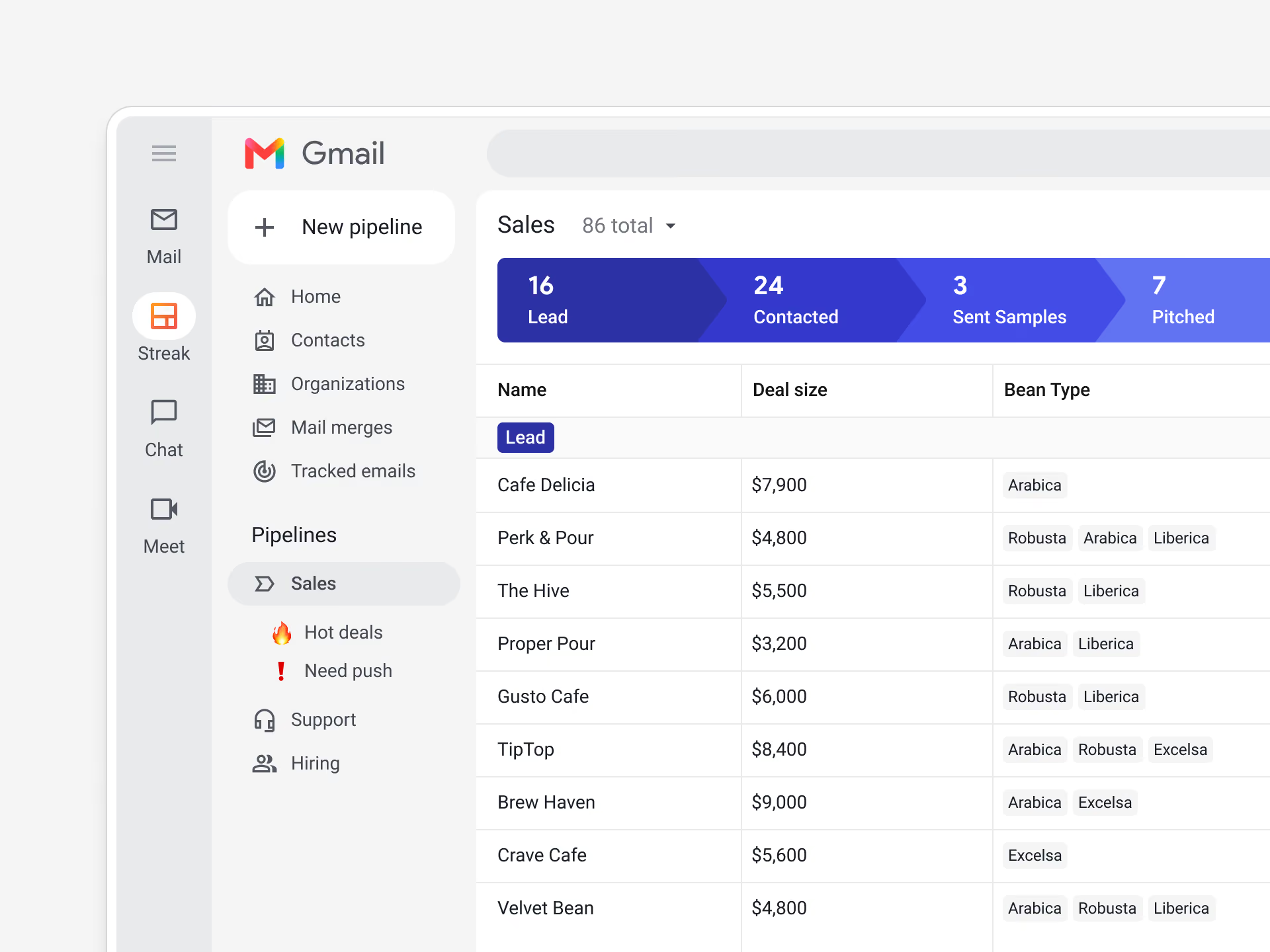
Streak pipelines sit inside Gmail and connect with your contacts, files, tasks, and events across Google Workspace. Your team works where the deals are actually happening.
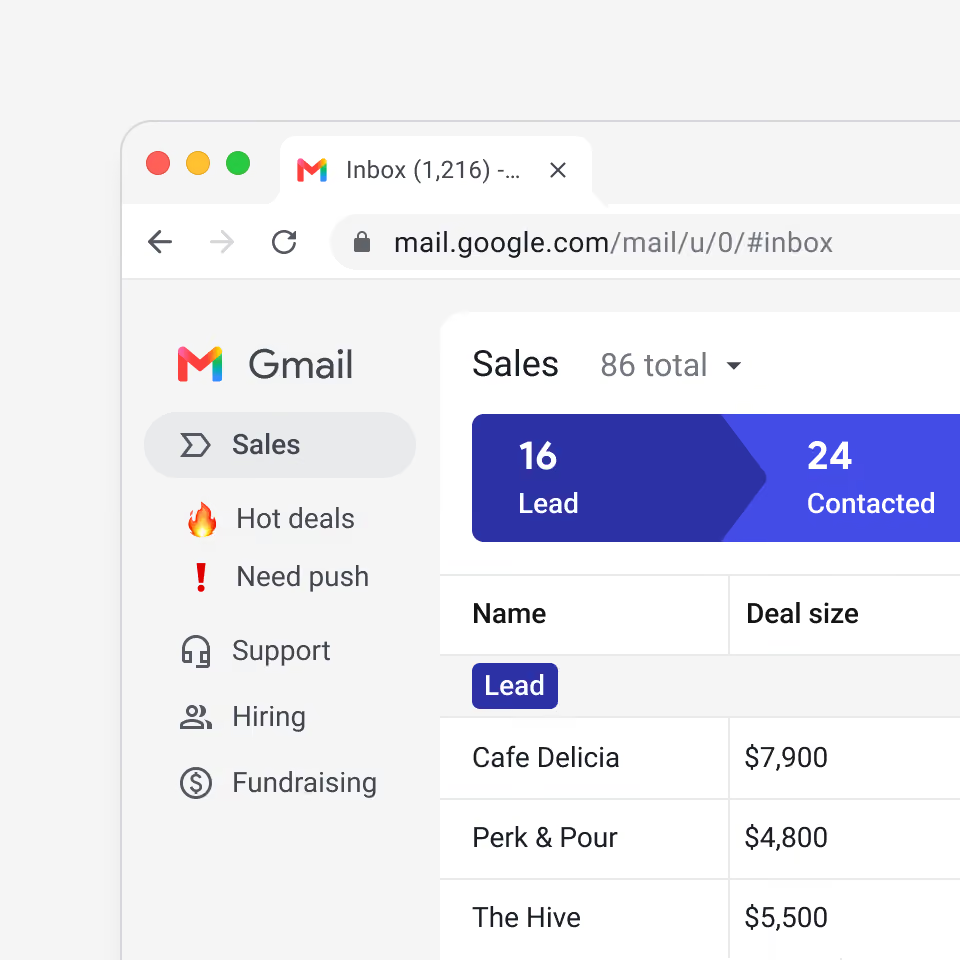
Streak installs as a browser extension and works inside your Gmail inbox — no separate workspace or data migration before you can start. You're working your pipeline the same day.
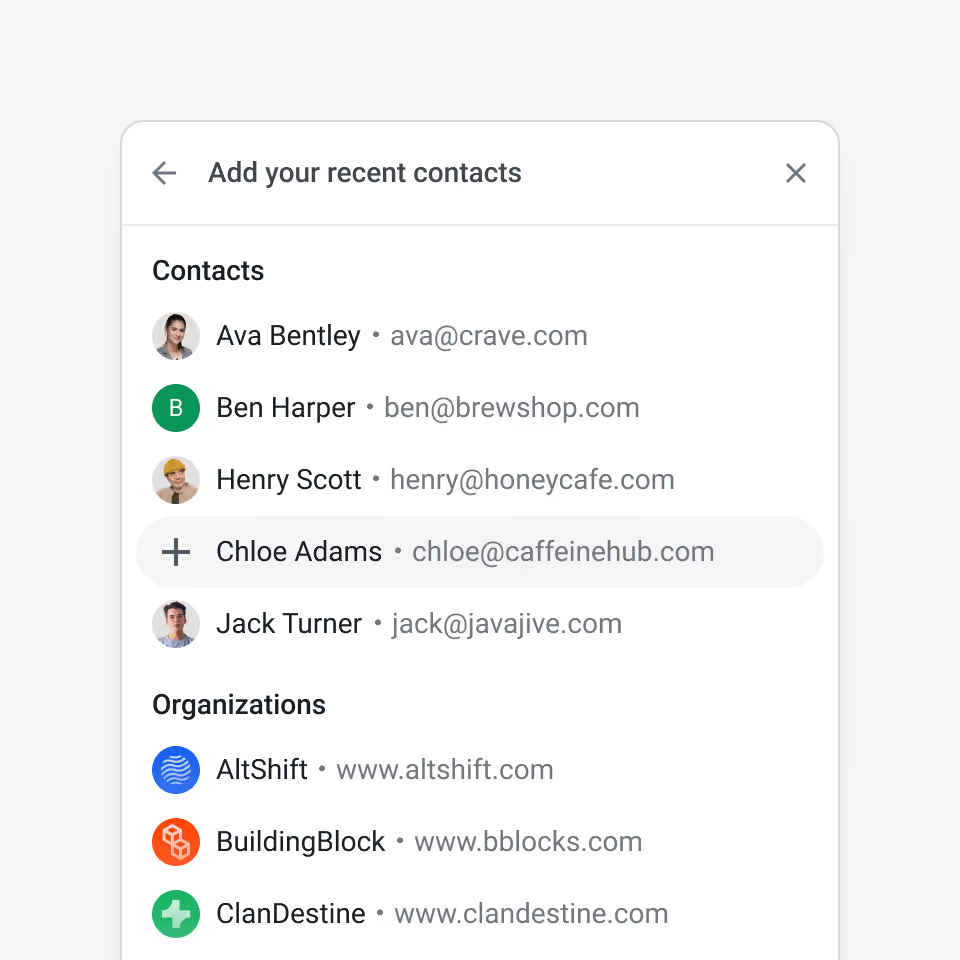
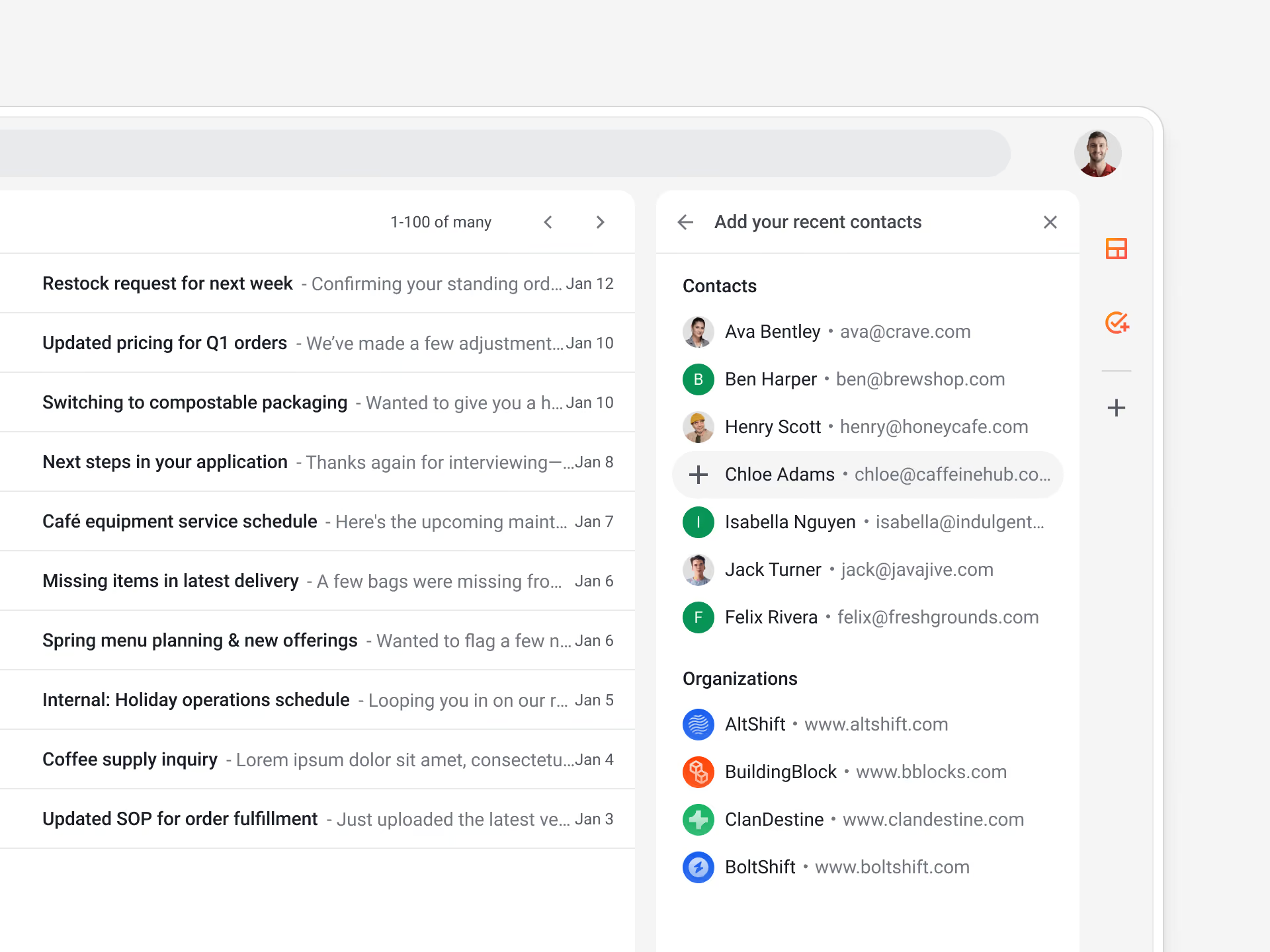
Streak's Quick Add scans your inbox for the people you actually work with and lets you choose who to add to a pipeline, so your contact list stays accurate and free of clutter.

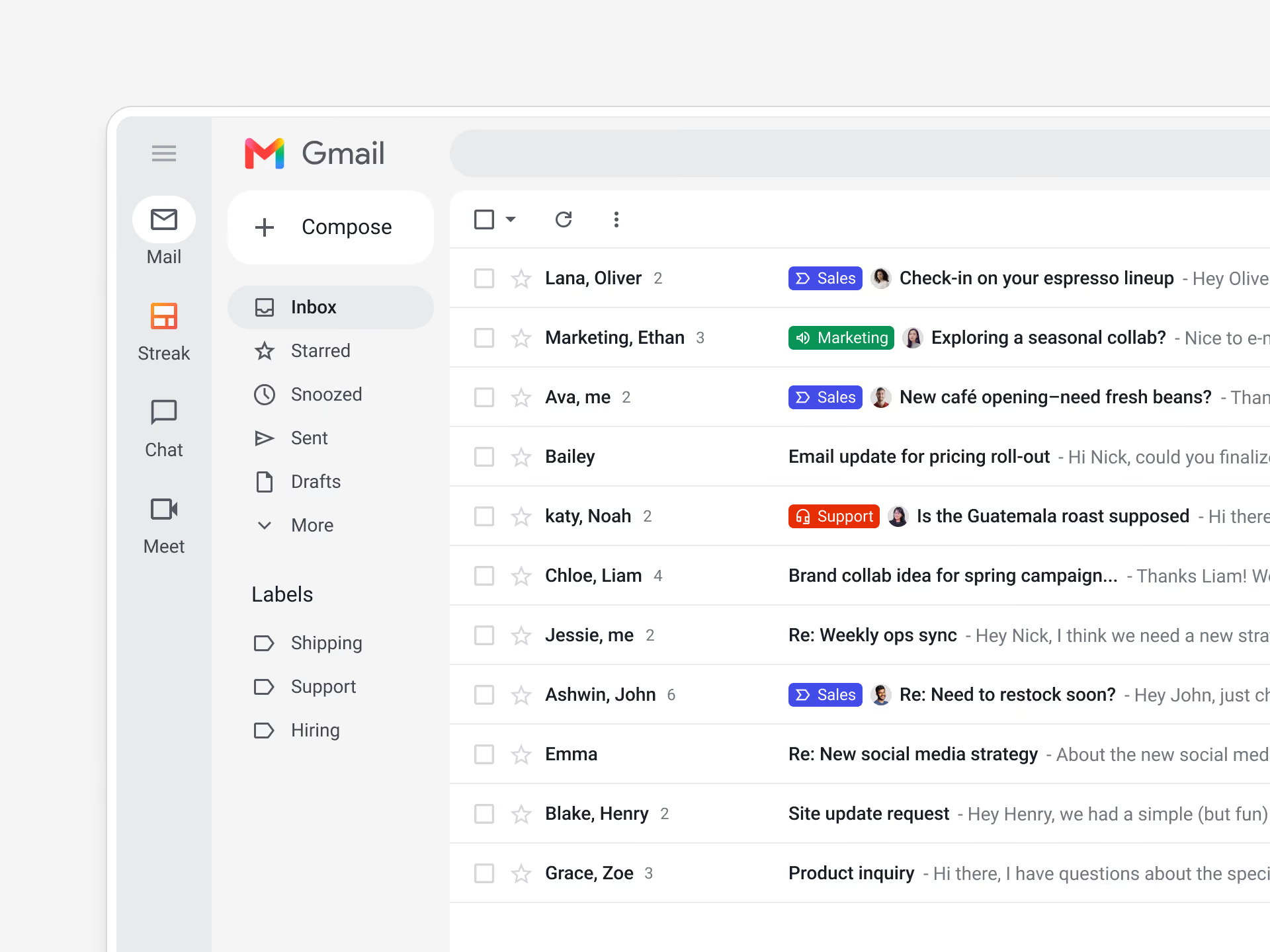
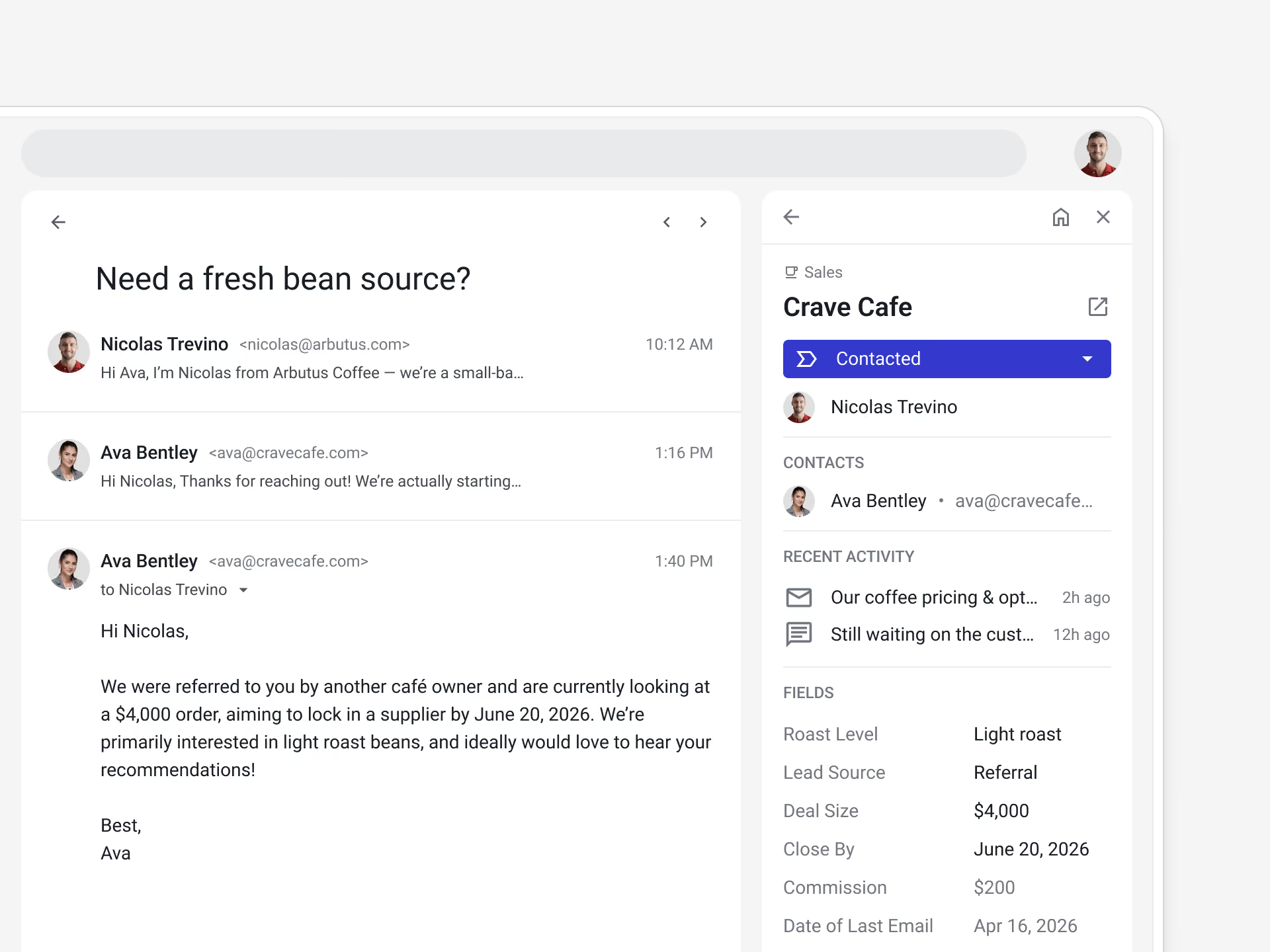
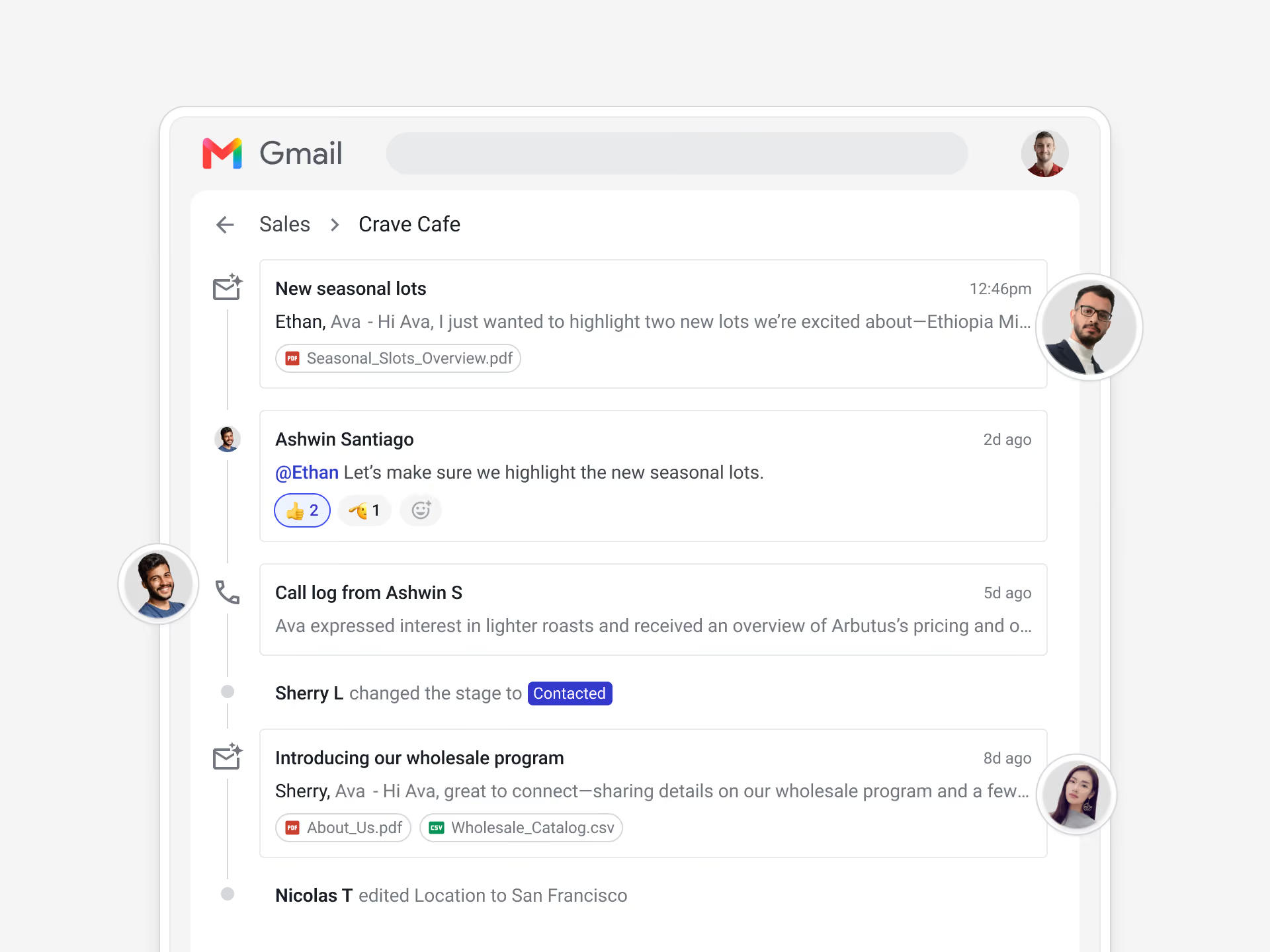
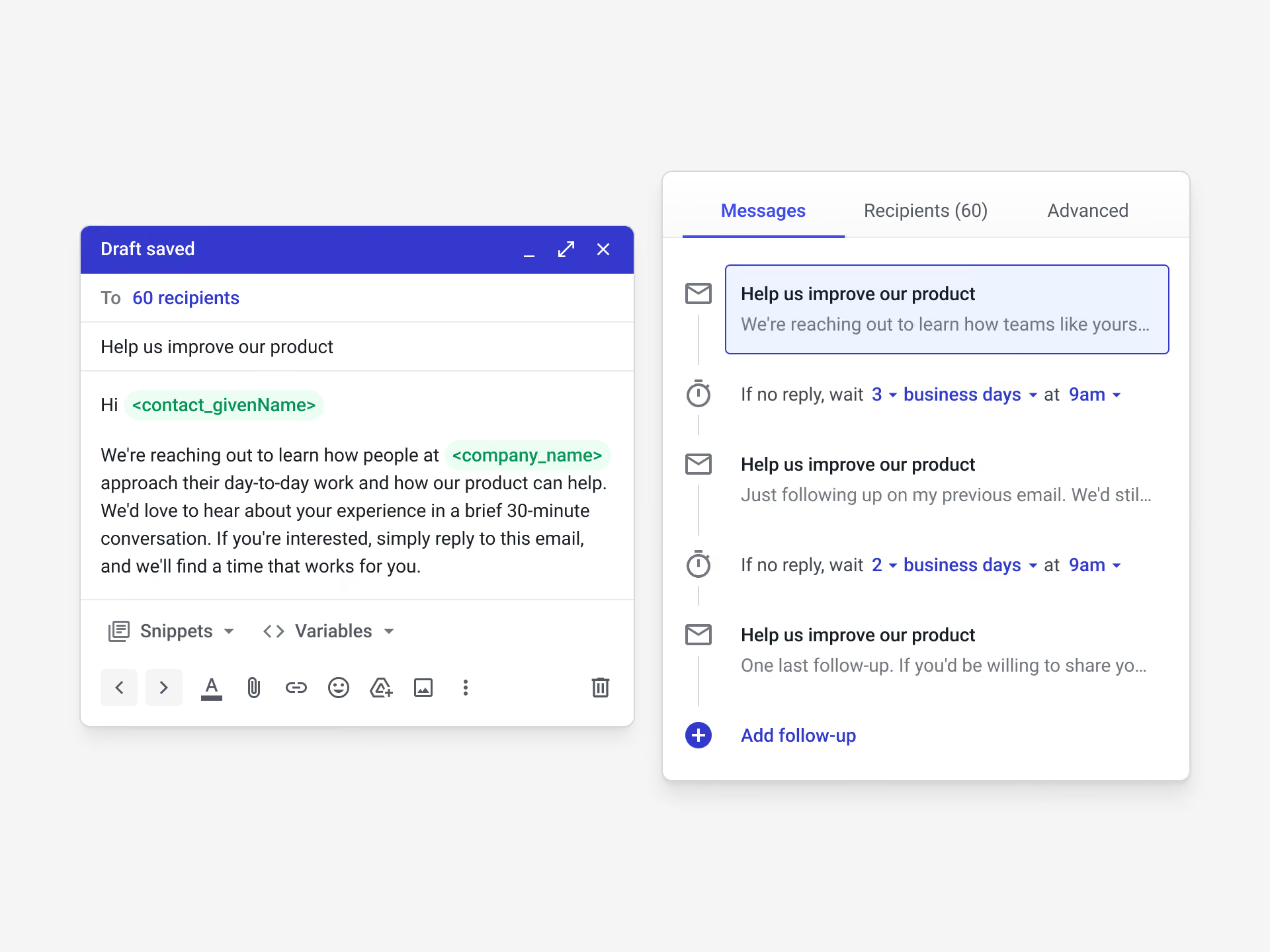
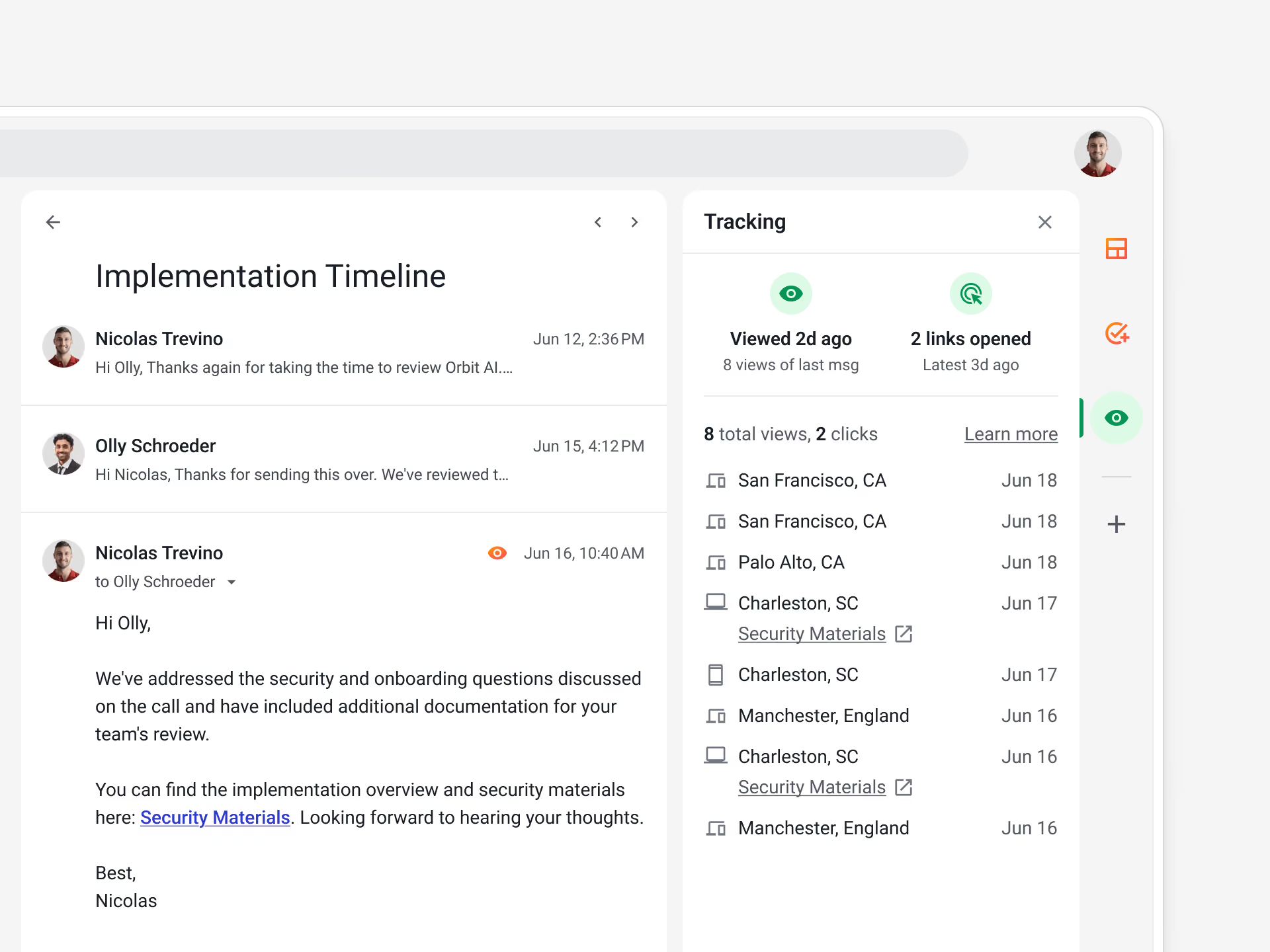
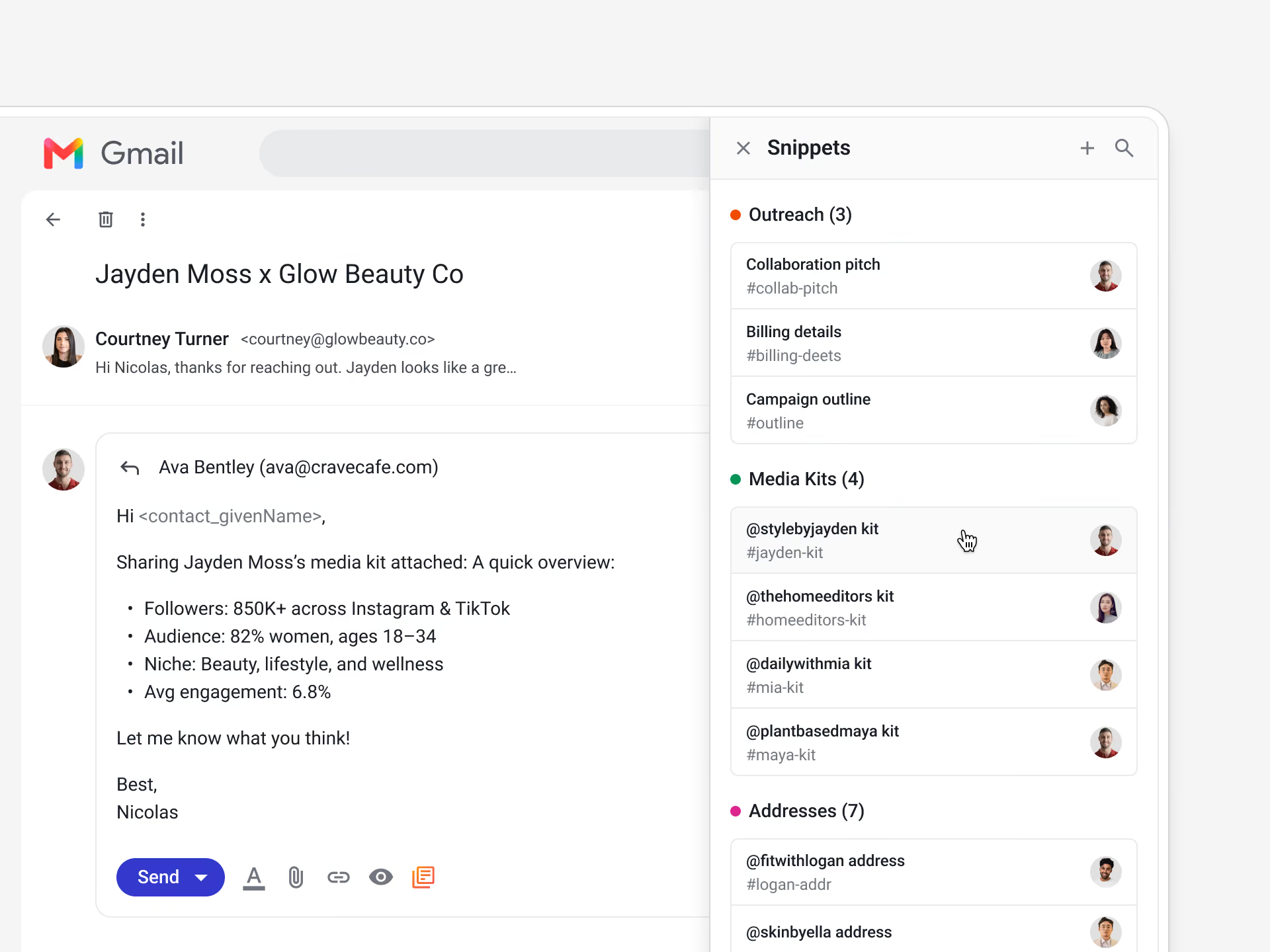
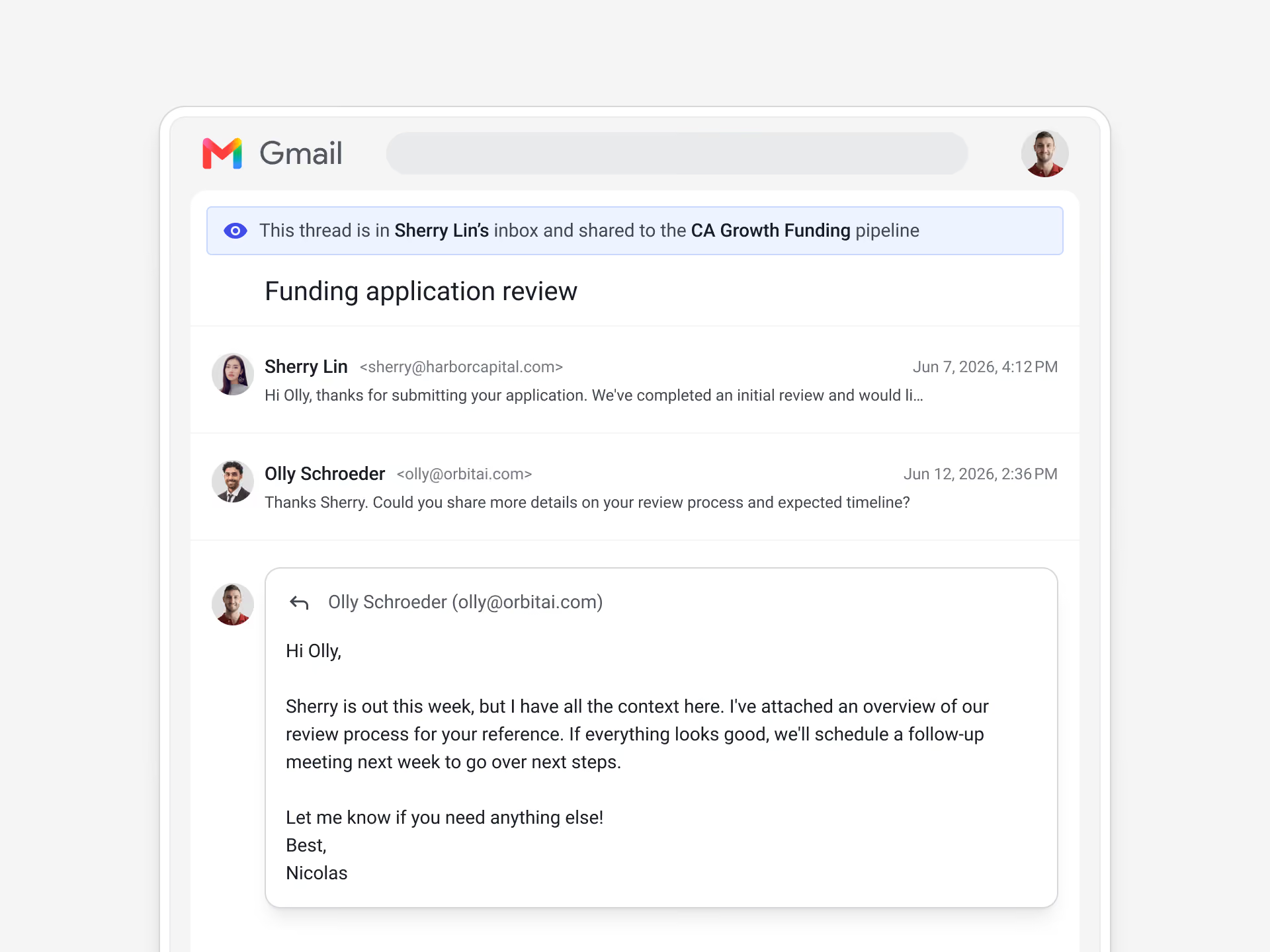
Streak logs emails to the correct deal for team-wide visibility — no BCC or forwarding rules to set up. Your deal history stays current and everybody stays in the loop without any manual logging.
Streak turns Gmail into a working CRM. Your pipeline, deals, and contact history sit inside the inbox, so you manage everything without switching tabs.
Streak syncs tasks to Google Calendar, so your follow-ups show up next to your meetings. Calendar becomes a place to plan your day around next steps, not just events.
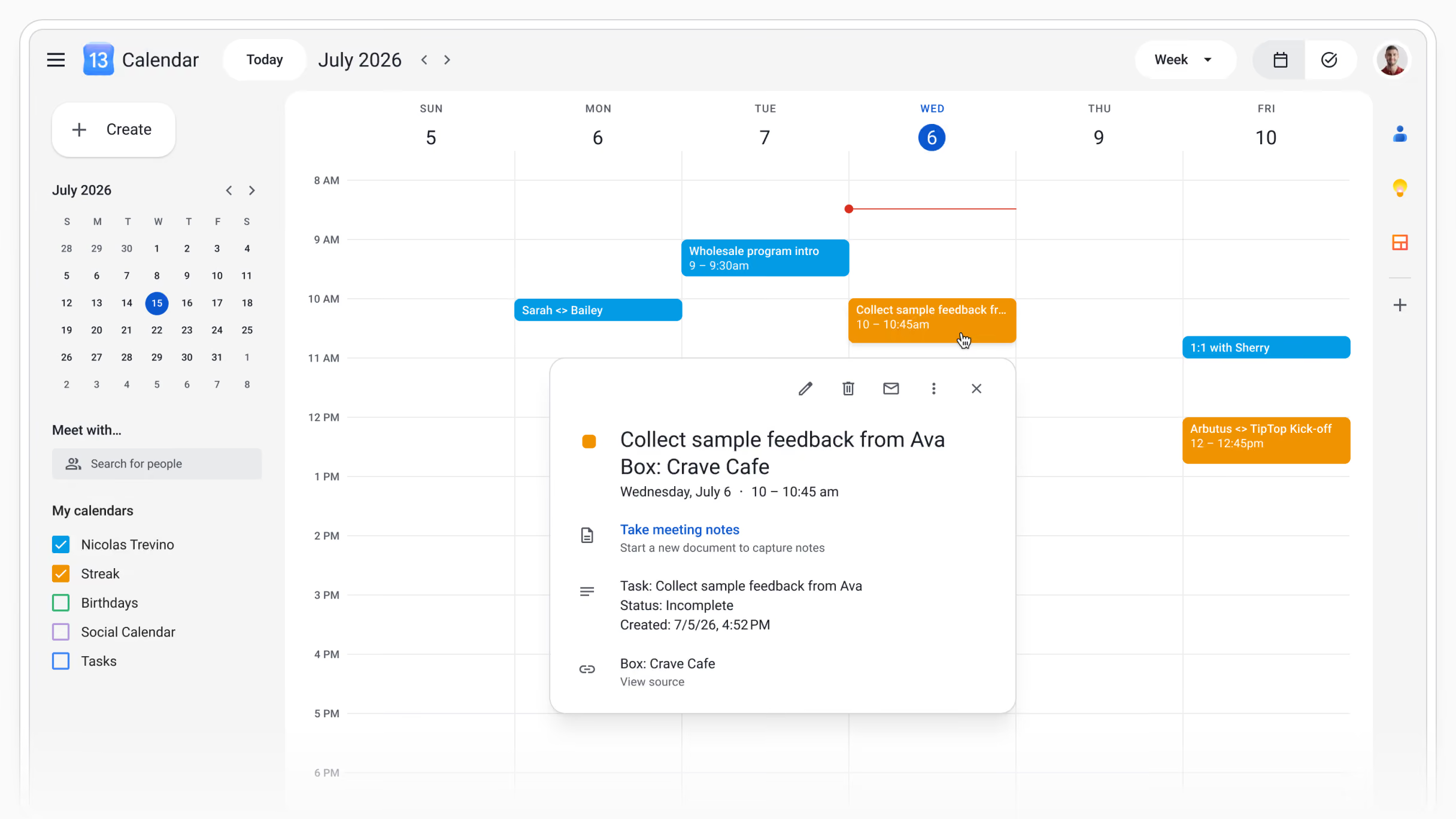
See when Streak tasks are due in Google Calendar
Click a task in Google Calendar to view its full box details
Navigate to the deal in Streak with direct links in each task
Schedule follow-up work alongside the rest of your calls and meetings
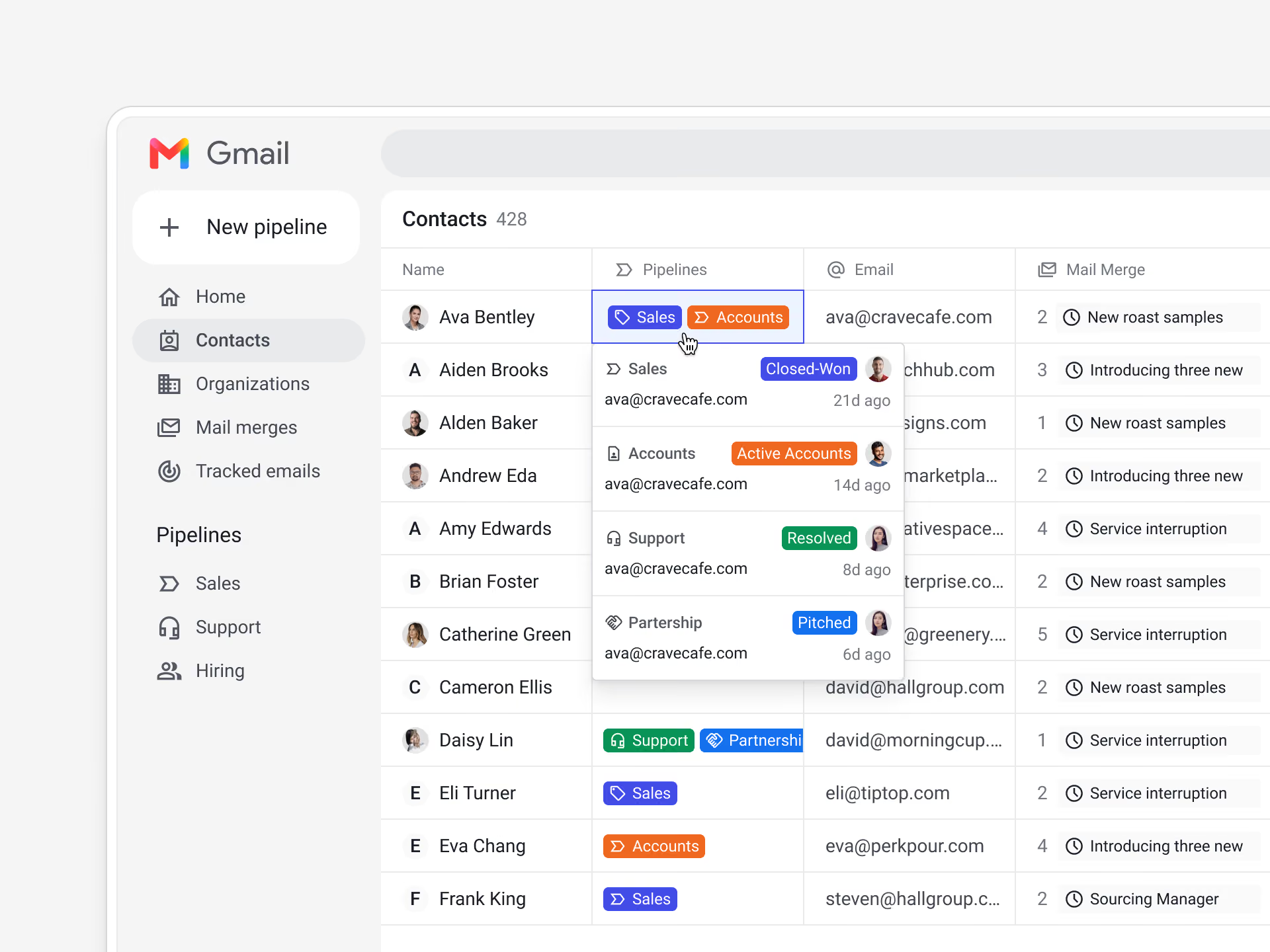
Streak scans your Gmail inbox to suggest people you actively work with, and lets you decide who becomes a CRM contact. Your team shares one contact database in Streak with full email history.


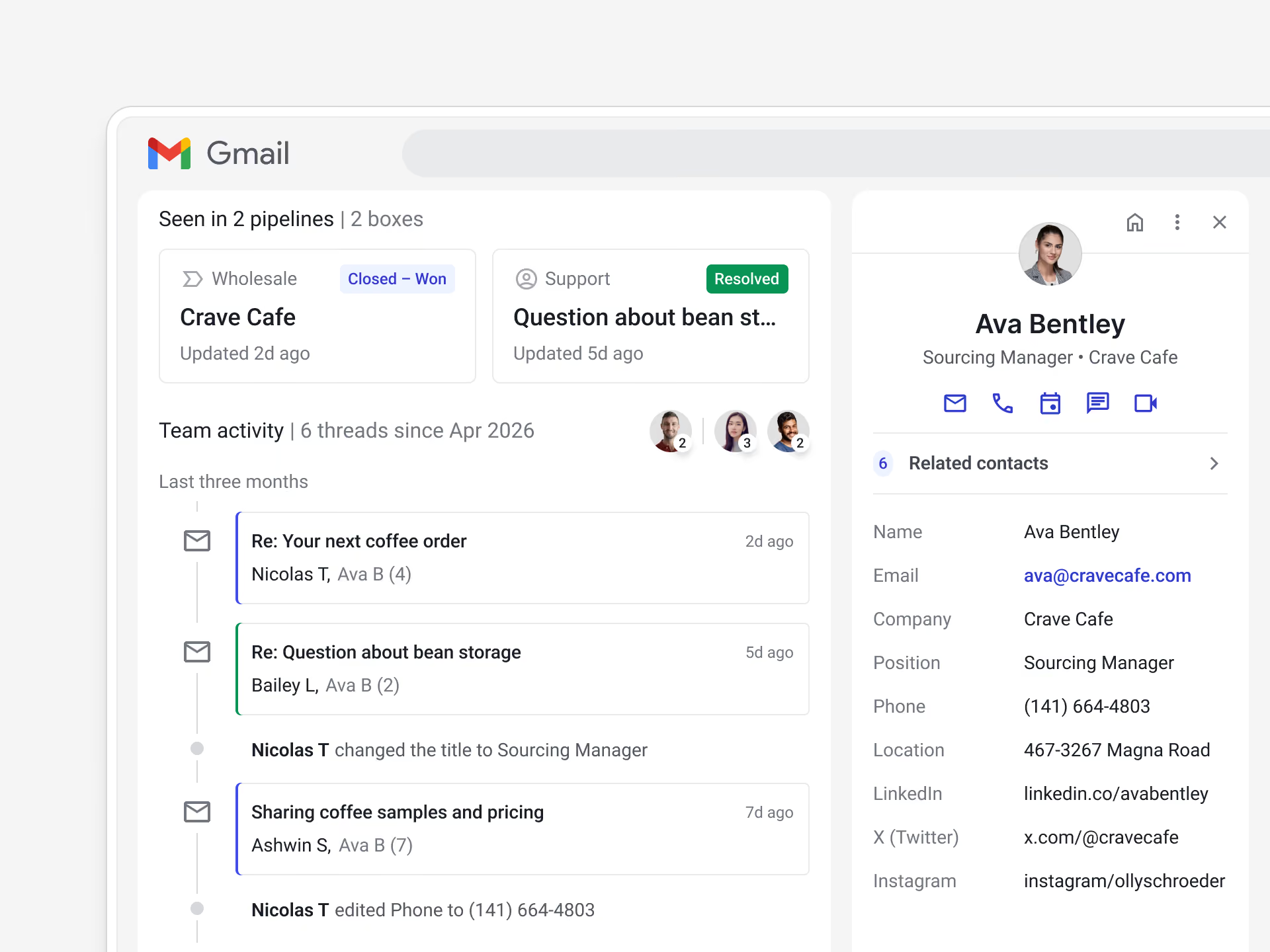
Streak keeps files for each deal in one place, automatically scraped from your deal emails or added from Google Drive. Contracts, quotes, and attachments stay organized in the right record.
See important files scraped automatically from your emails and added to the deal in Streak.

Add files from Google Drive to a deal in Streak
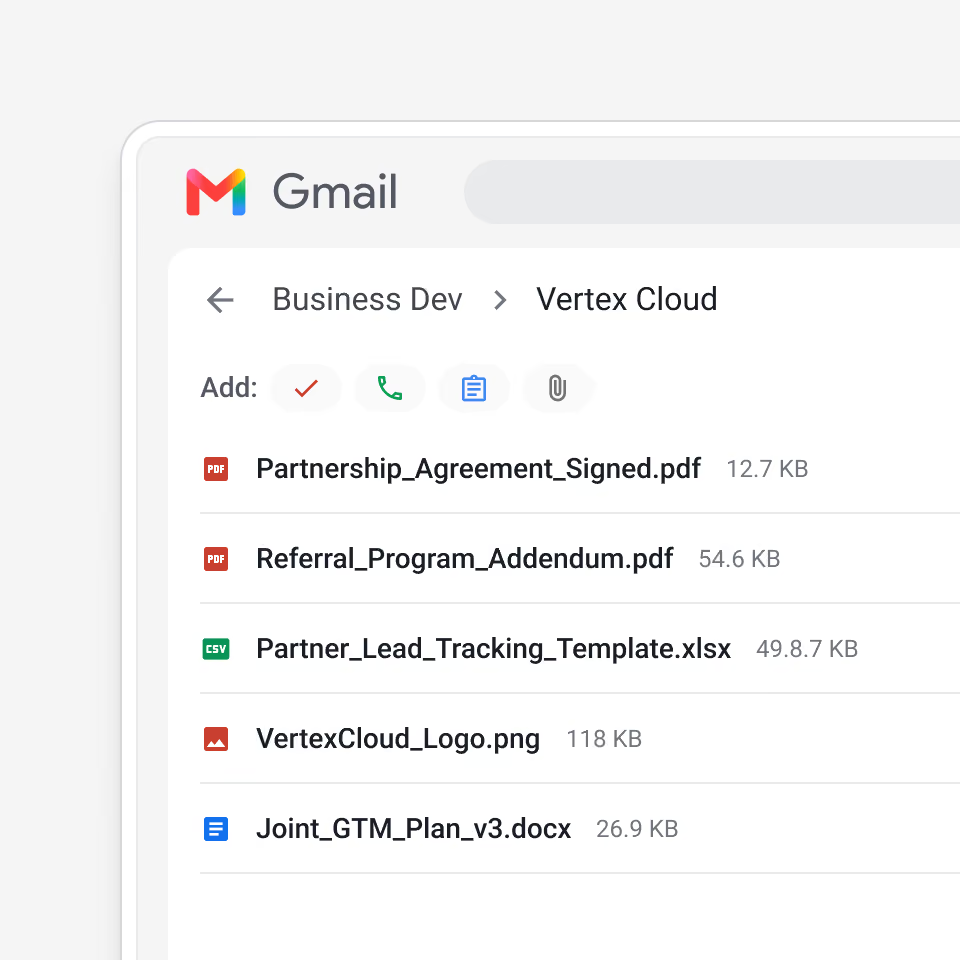
Keep quotes, contracts, and handoff docs on the deal record
Streak connects to Google Sheets in both directions — export pipeline data for reporting, or import contacts and records to build a pipeline.
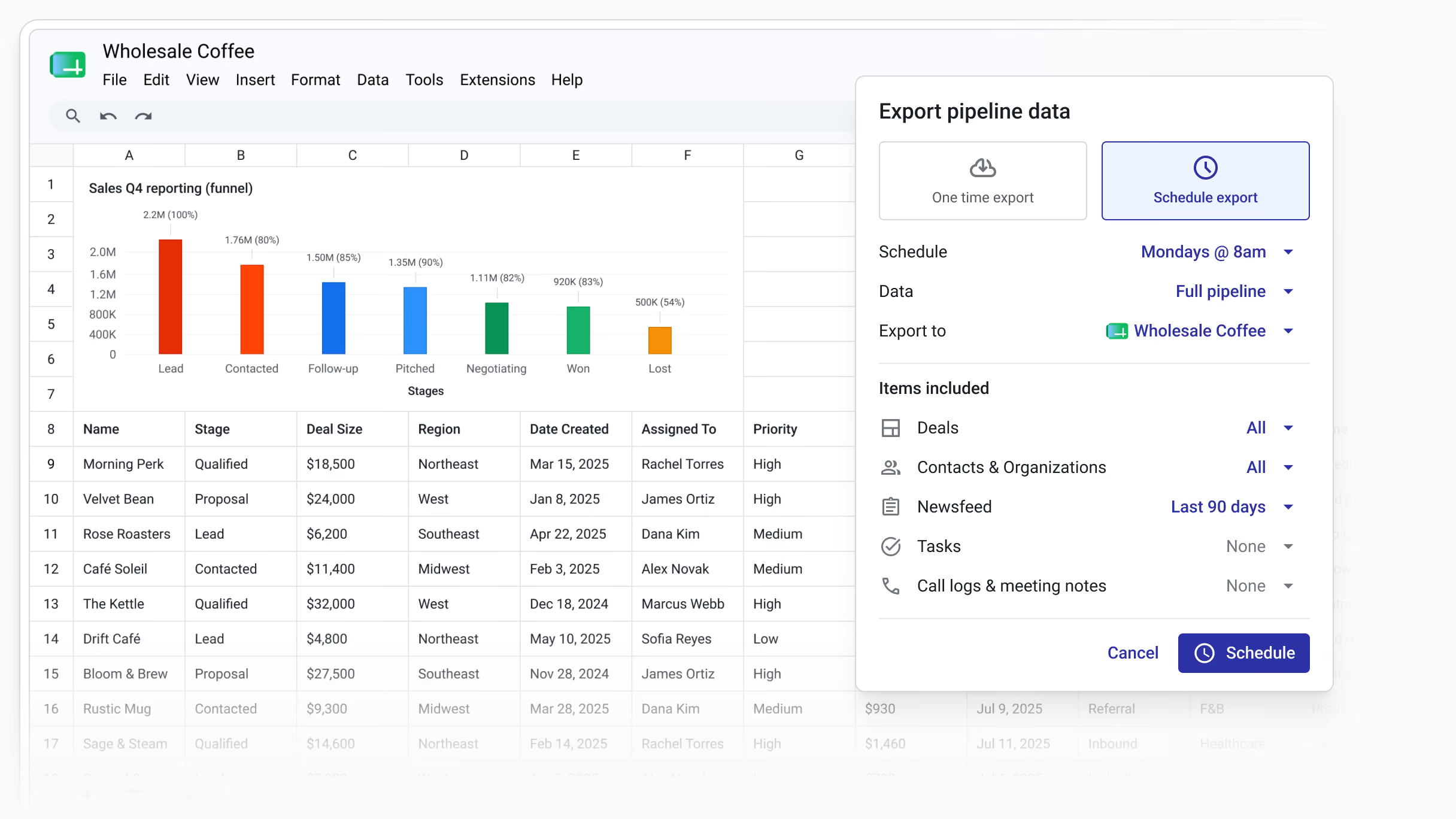
Schedule recurring exports of CRM data to Google Sheets
Build custom reports and dashboards in Google Sheets, or connect to data visualization tools like Looker Studio
Import contacts and deal data from a Google Sheet straight into your Streak pipeline
Connect to Claude or ChatGPT through MCP to analyze your pipeline and build charts in plain language
The Streak Bot for Google Chat brings pipeline activity into the rooms your team already uses. Search deals, route notifications, and capture Chat conversations on the right record.
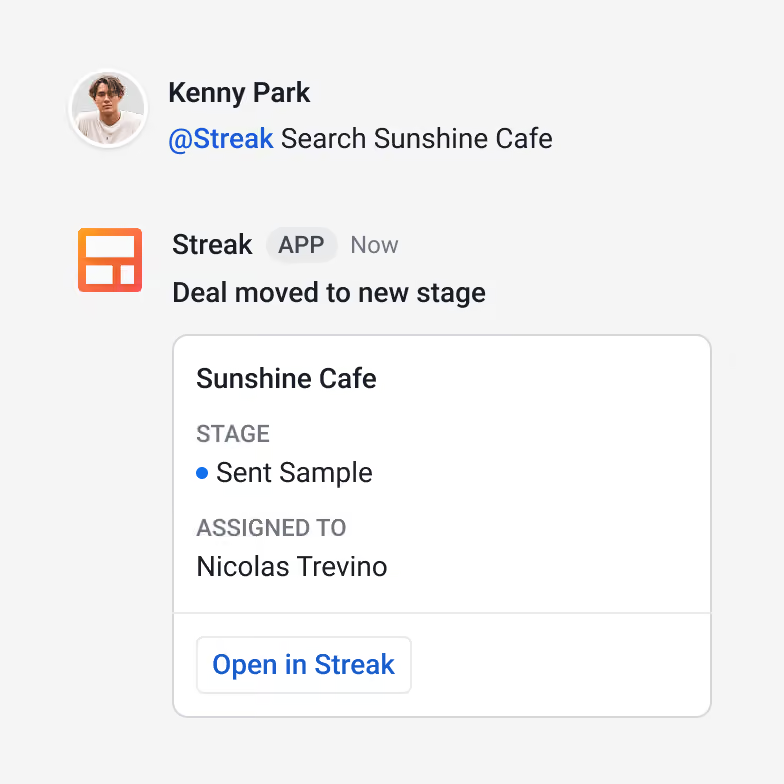
Search any pipeline from Google Chat with @Streak search
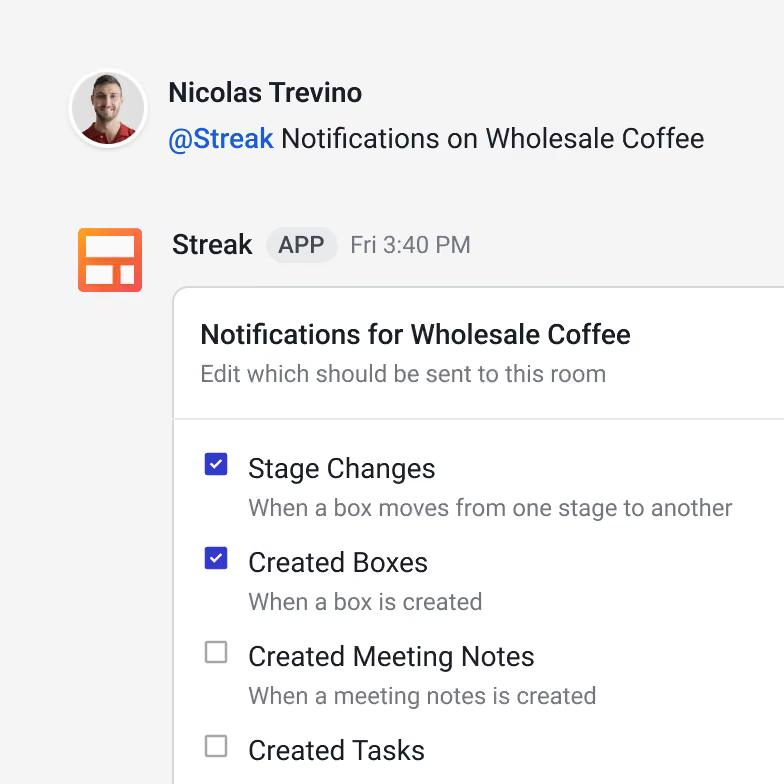
Route pipeline notifications — stage changes, new deals, due tasks — to a Chat room
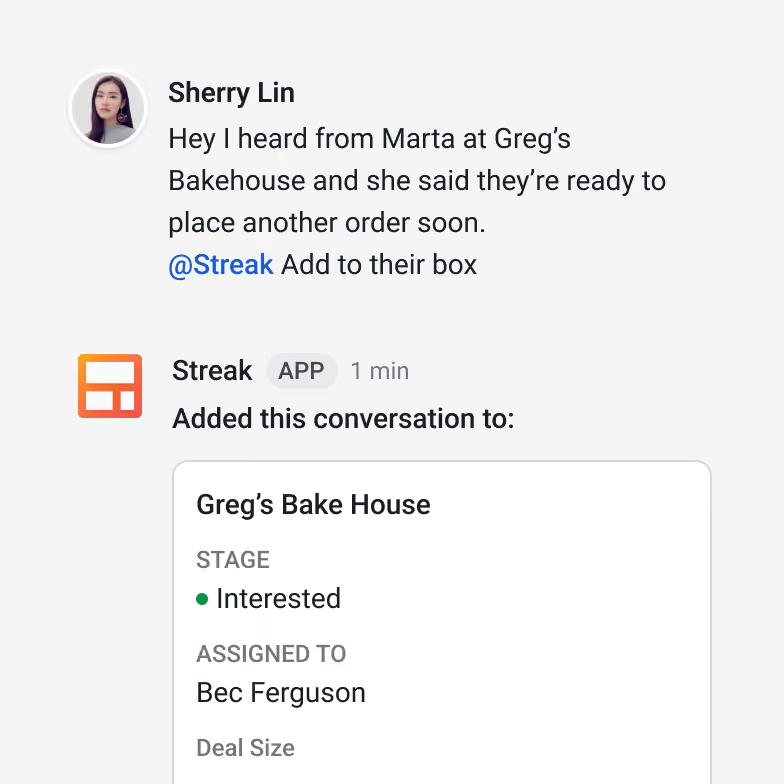
Attach a Chat conversation to a deal so it appears alongside emails

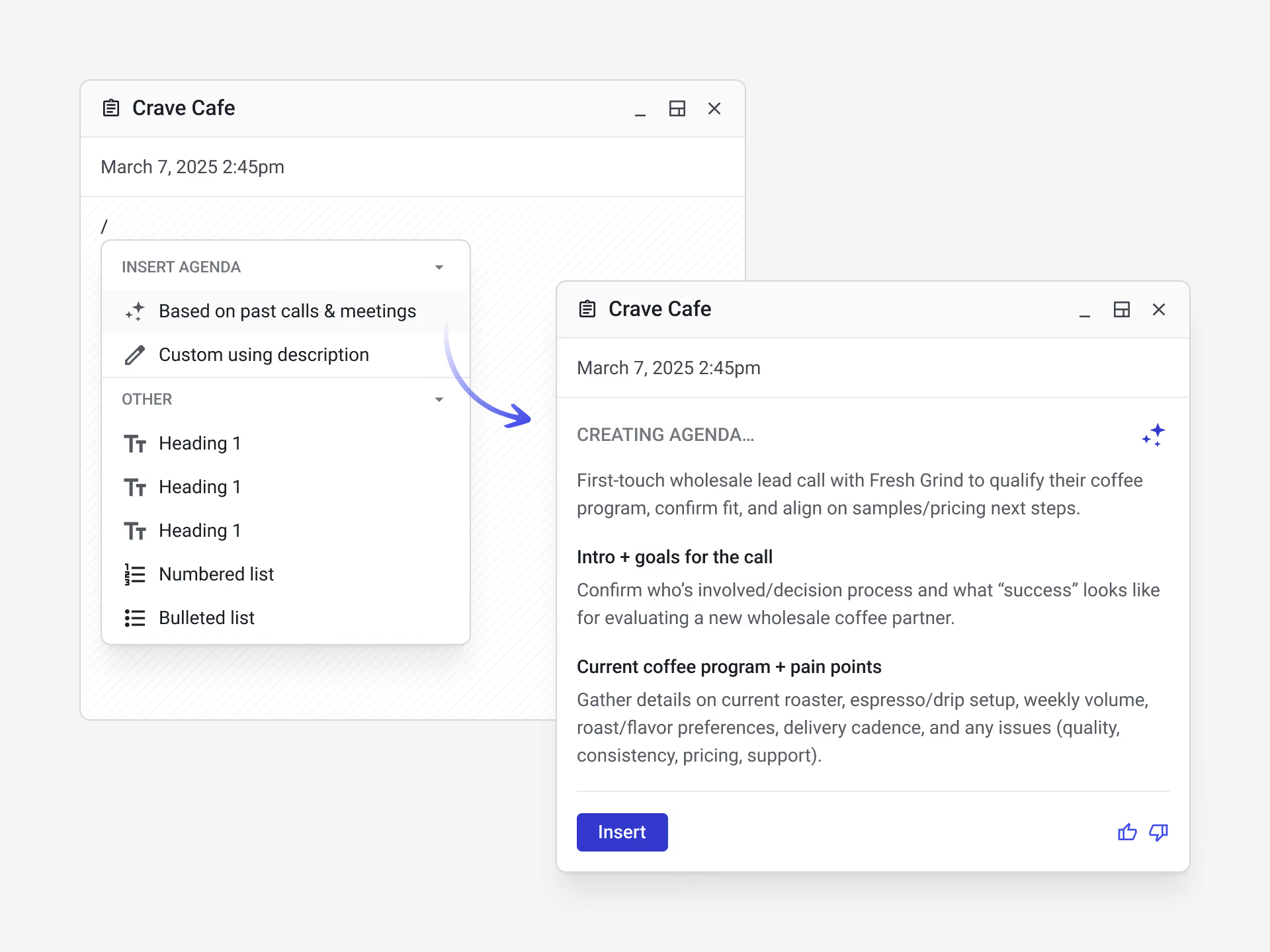
Streak's AI helps summarize and pull insights from the email history logged to each deal, right in Gmail. Because every deal holds your team's shared email thread, the AI answers from real conversation history and gives you a 360° view of each deal.


”Having used Streak extensively, I can say it has become an invaluable part of my working day. The standout feature is undoubtedly the native Gmail integration; it feels completely natural to manage my pipelines right alongside my emails without the hassle of toggling between different apps… The automation tools are also fantastic, saving me a great deal of time on repetitive tasks while keeping everything looking polished. Streak hits the perfect middle ground—it’s incredibly easy to get to grips with but has all the power you need to scale.”

”Streak is delivering on all fronts. They’ve already mastered the fundamentals of record-keeping and accessibility, and now, with the next layer of tech enablement through integrations and automations, the experience has become even more powerful… I’ve been able to automate several workflows, significantly improving our firm’s data housekeeping and operational efficiency. It’s also been incredibly useful for assigning accountability, making our team more effective overall.”

”Streak has been a pivotal tool for our startup. It allows us to have a 5-stars all rounder operational tool, managing CRM, project management and tasks directly within our Google Workspace environment… This tool definitely makes us more effective without forcing us to change the way we work.”

I credit Streak with growing my wholesale business 100%. I was chipping away at trying to get my products into new shops and Streak opened up an automation window that I didn't know existed! It has been easy to implement and grow my business with!

We have been using Streak since Beta. We don't know how we would run a sales team without it. If you are a Google Workspace user, there is no better CRM

Streak runs inside Google Workspace, using your same login so your pipelines are in Gmail and your work is connected across Google Workspace. Your full pipeline — stages, fields, filters, and contact history — is a view within the inbox, so core CRM work doesn't require switching to a separate application.
All three connect to Gmail. The main difference is where you work: Streak puts the pipeline inside Gmail, while Copper and NetHunt add a panel to Gmail but run the core CRM in a standalone web app. Streak also lets you choose which contacts enter your CRM for precision and control, rather than auto-creating a record from every email.
Streak syncs your tasks to Google Calendar. Your follow-ups appear as calendar events, and you can click an event to see the task details or jump to the deal in Streak.
Streak reviews recent interactions with your Google Contacts to suggest contacts to add to your pipeline, or you can import your entire Google Contacts list. Rather than syncing every contact automatically, Streak lets you choose who to add, which keeps your CRM contact list clean.
Yes. Files related to a deal are scraped automatically from your email, and you can attach or connect Google Drive files to any deal, so contracts, quotes, and documents stay on the right record.
Yes. You can schedule recurring exports of CRM data to Google Sheets for reporting and dashboards, or import contacts and deal data from a spreadsheet. You can also connect Streak to Claude or ChatGPT through MCP to analyze your pipeline or Sheet.
Yes. Streak includes deal summaries, Deal Q&A, AI Autofill, and custom AI web research which work on the email history logged to each deal inside Gmail. Streak is also accessible from Claude and ChatGPT through their app stores, or via MCP server.
Yes. Streak is a Google Cloud Partner and was named Partner of the Year at the Google Cloud Partner Awards.
Yes. Streak includes pipelines, a shared team contact and company database, reporting, permission control, multi-step automations, and AI. All Streak plans also include mail merge inside Gmail, email tracking, and shared team snippets in Gmail. Streak is build in Gmail, one of the most powerful apps on the internet, to deliver reliability and security.
Start managing your pipeline inside Gmail today.