.webp)
Opening now...


You’ll need to use a desktop browser to set up your Streak account. You can install Streak now and finish setup on desktop later.
To get started with Chrome, install Streak from the Chrome Web Store on your desktop. Share your email and we'll send you the install link directly.
To get started with Safari, install Streak from the Mac App store on your desktop. Share your email and we'll send you the install link directly.
To get started with Edge, install Streak from the Edge Add-ons store on your desktop. Share your email and we'll send you the install link directly.
If you’ve installed Streak and completed onboarding on desktop, you can install the Streak app to access your pipelines on mobile.



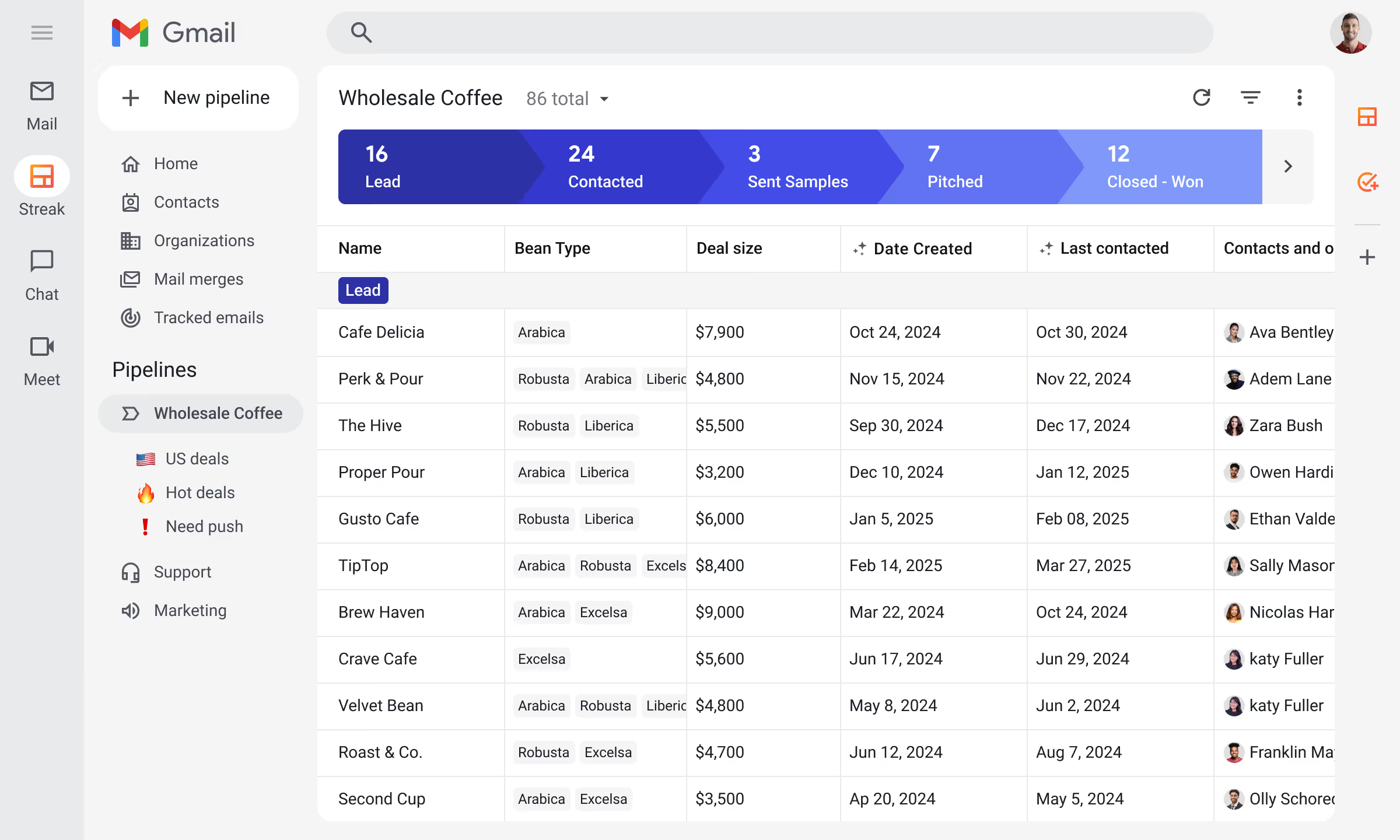







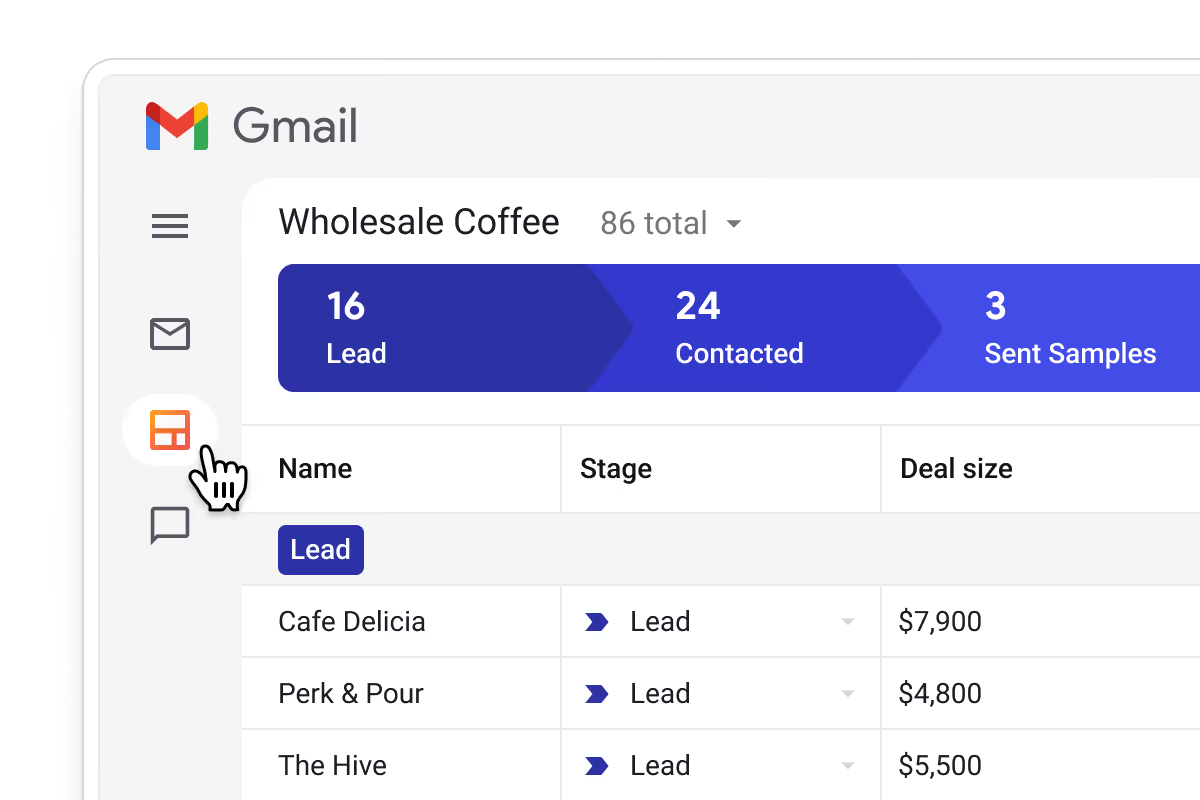
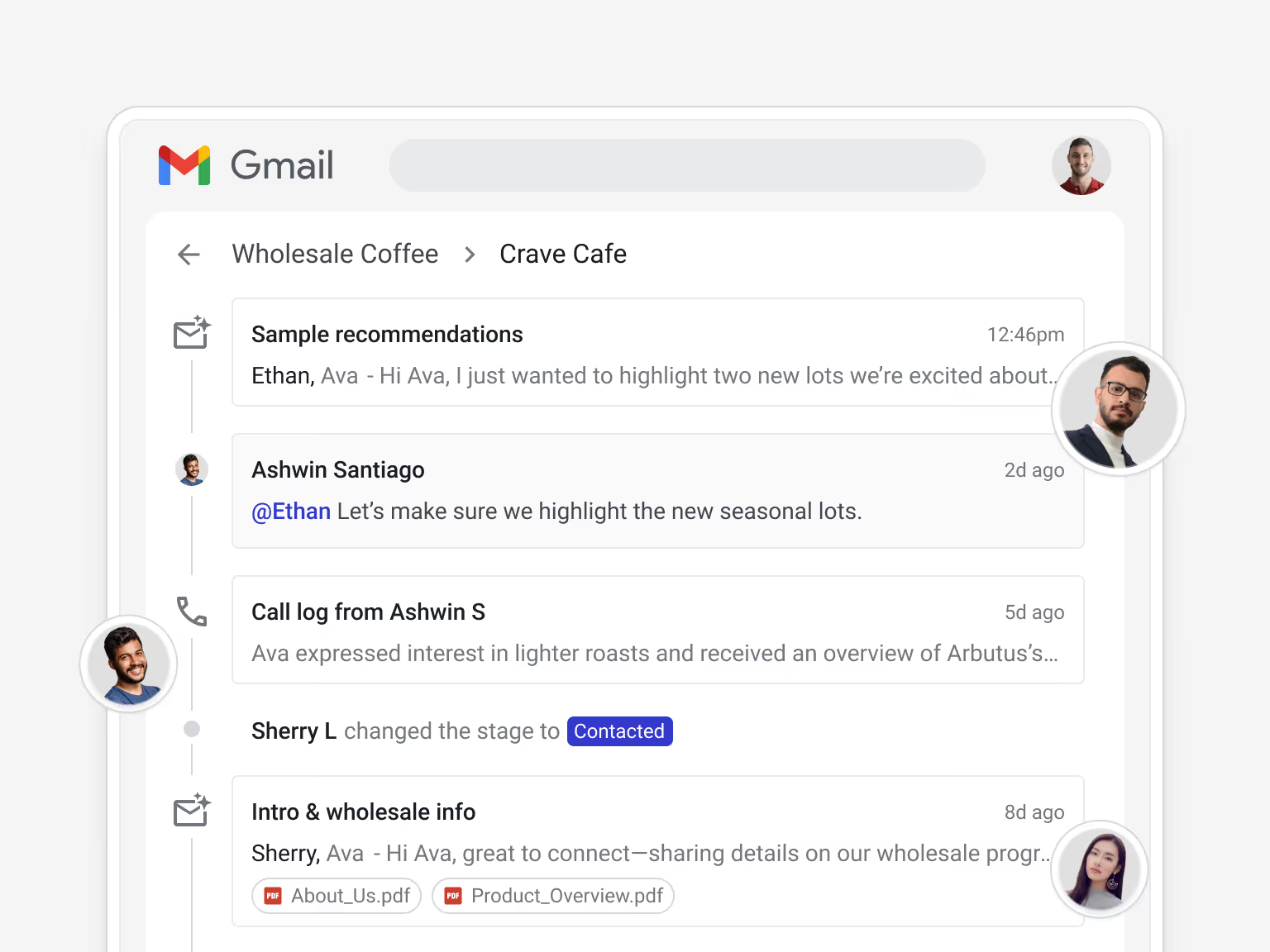
See every deal, client, and follow-up without leaving your inbox. When your CRM lives in Gmail, staying on top of your business happens as you work — not as a separate task.
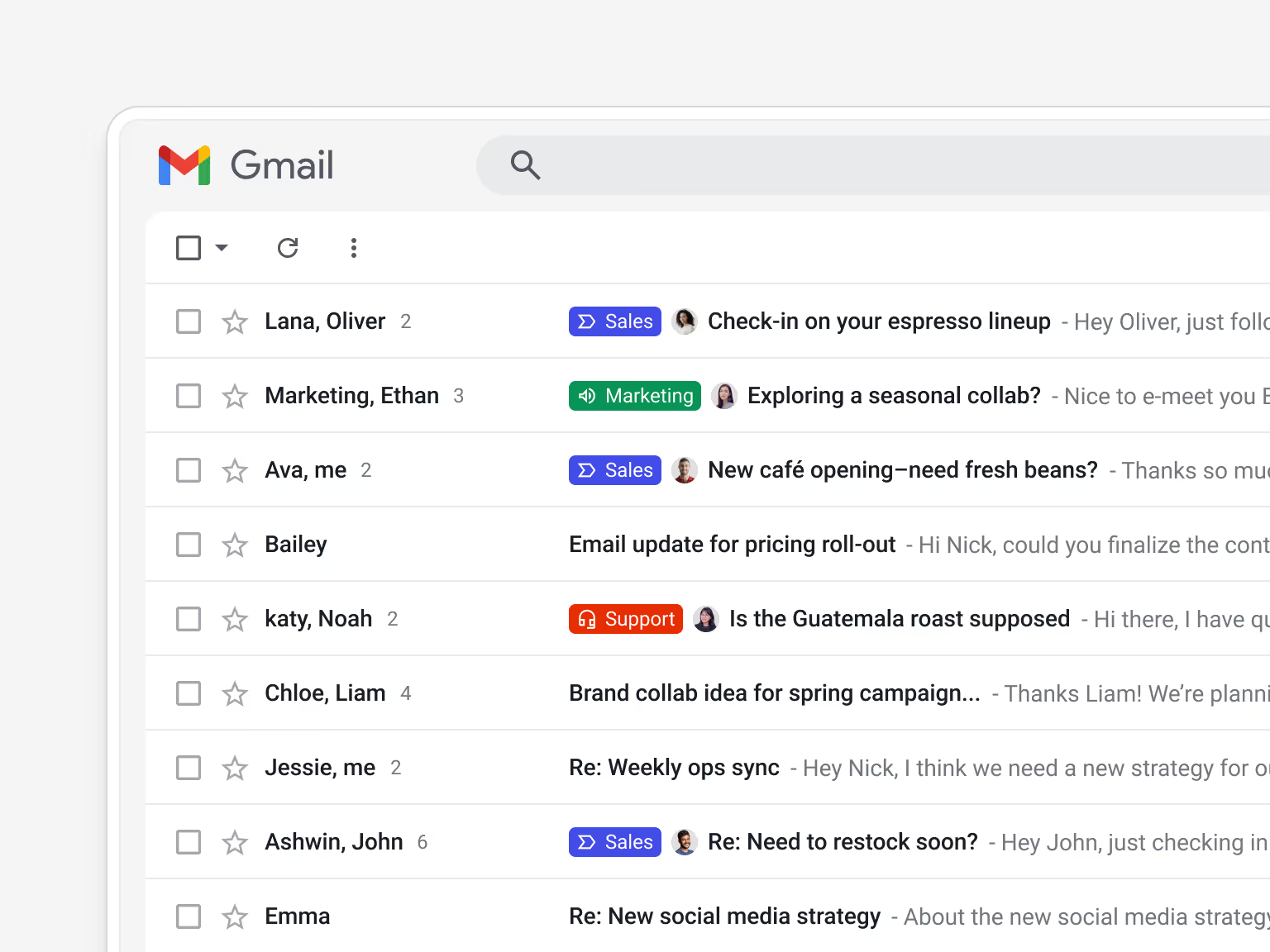
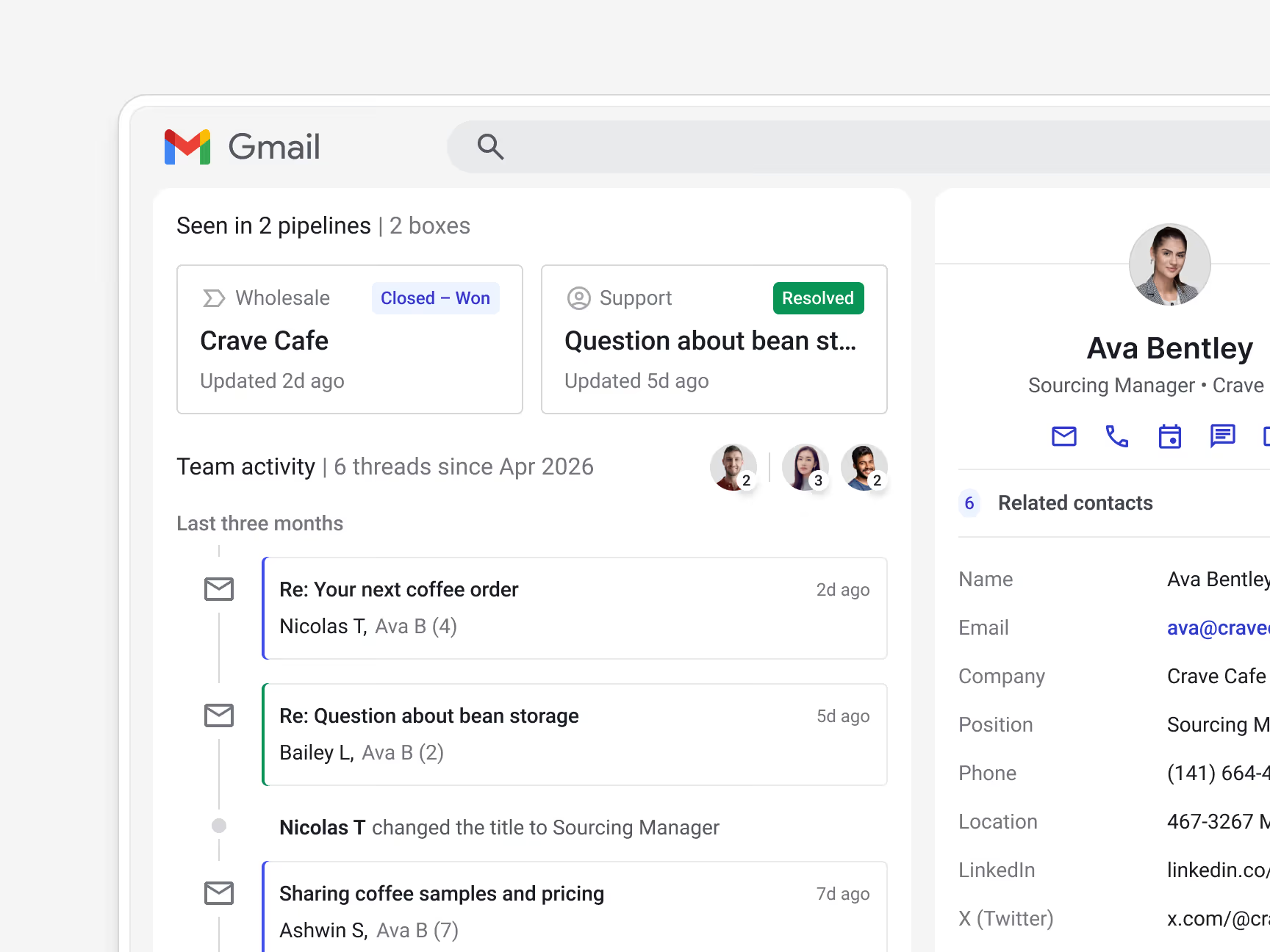
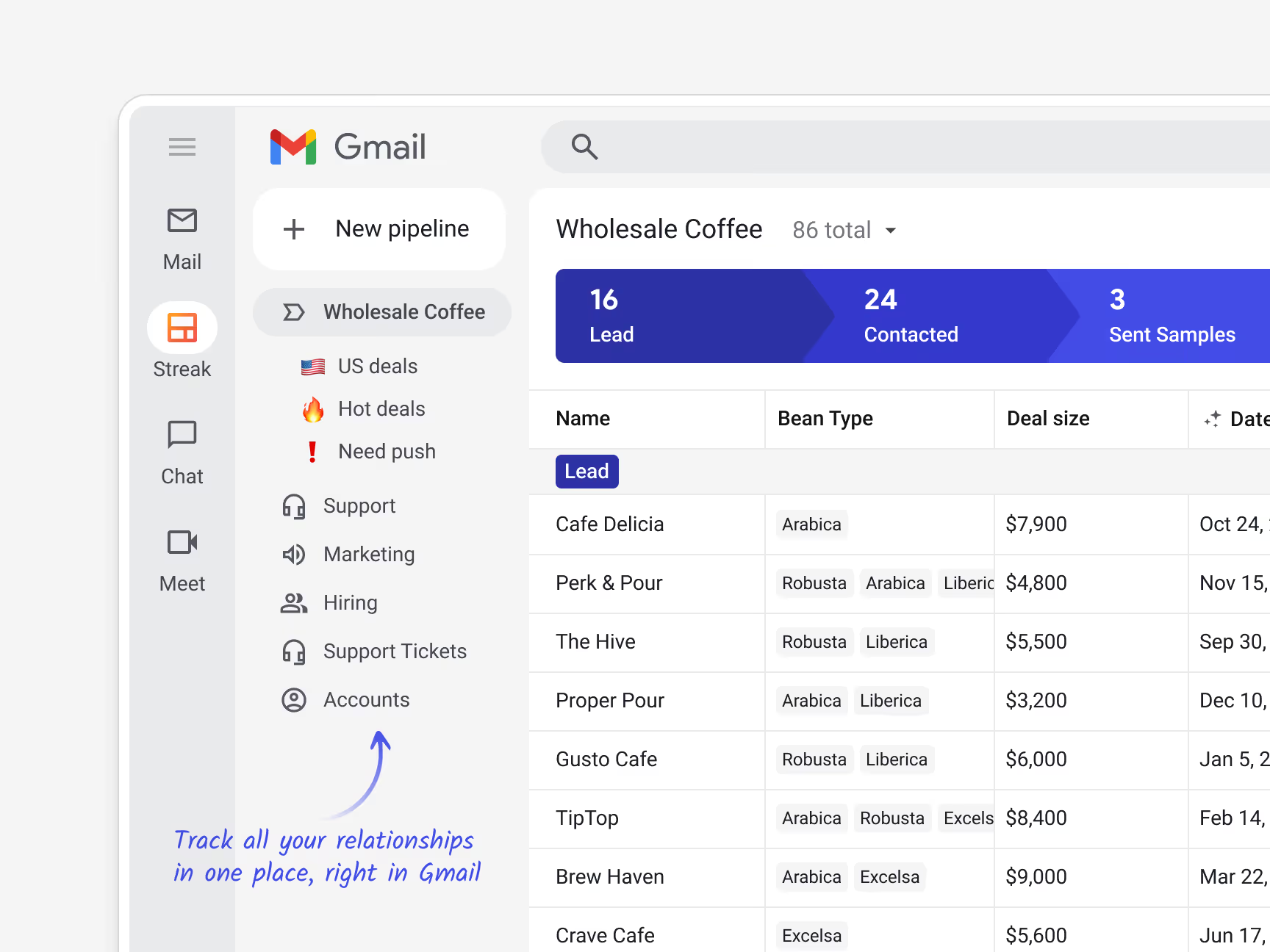
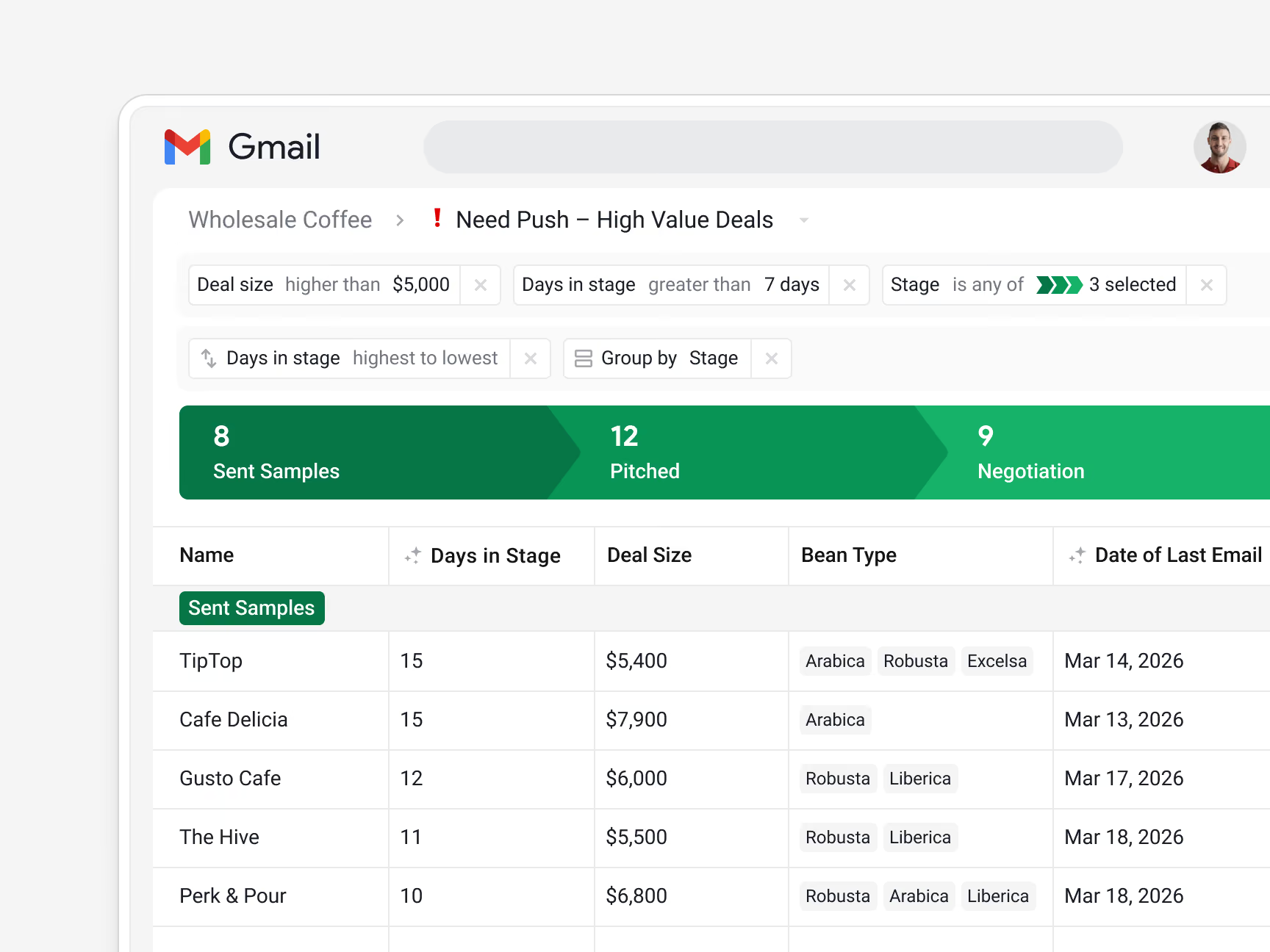
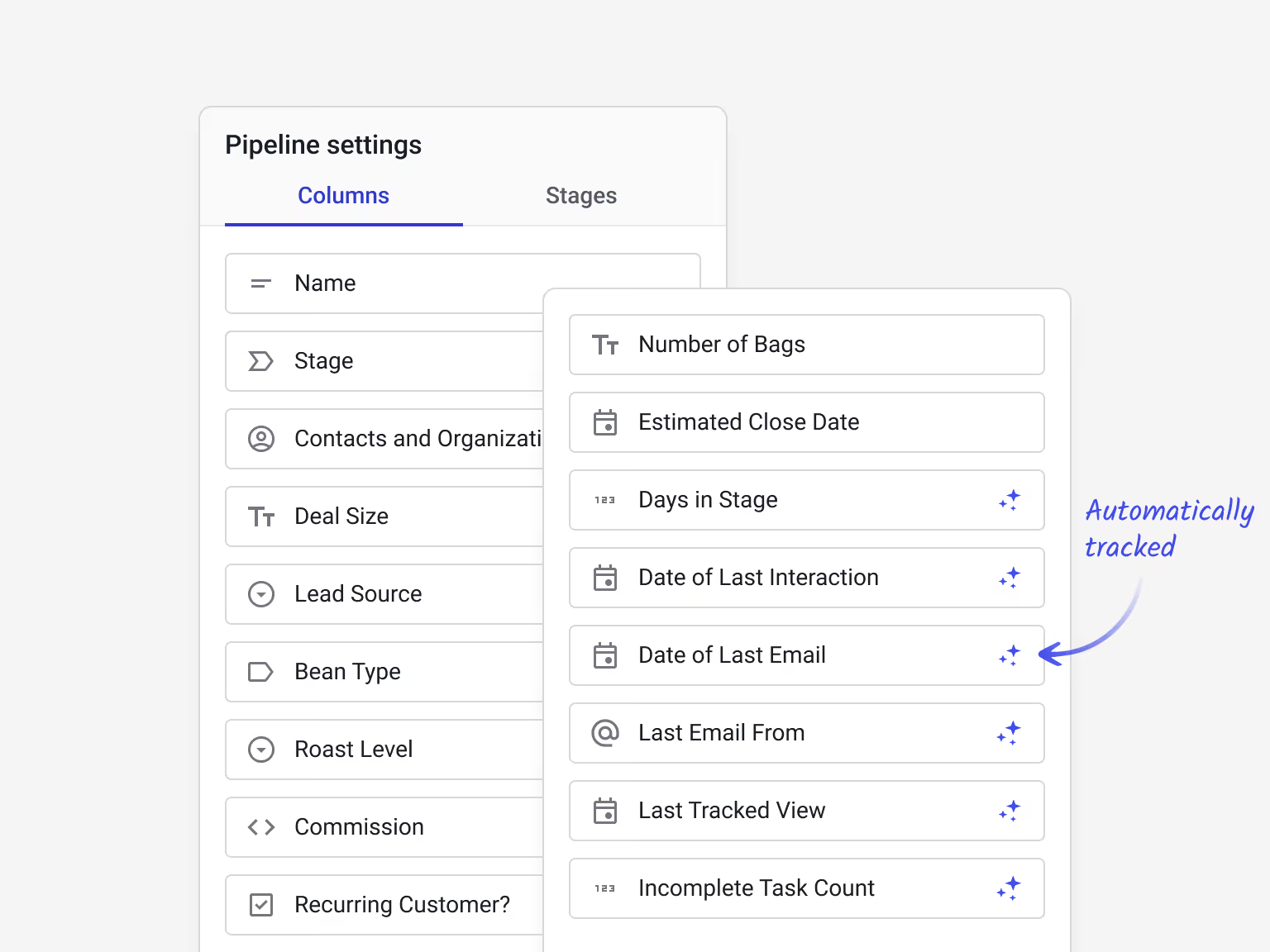
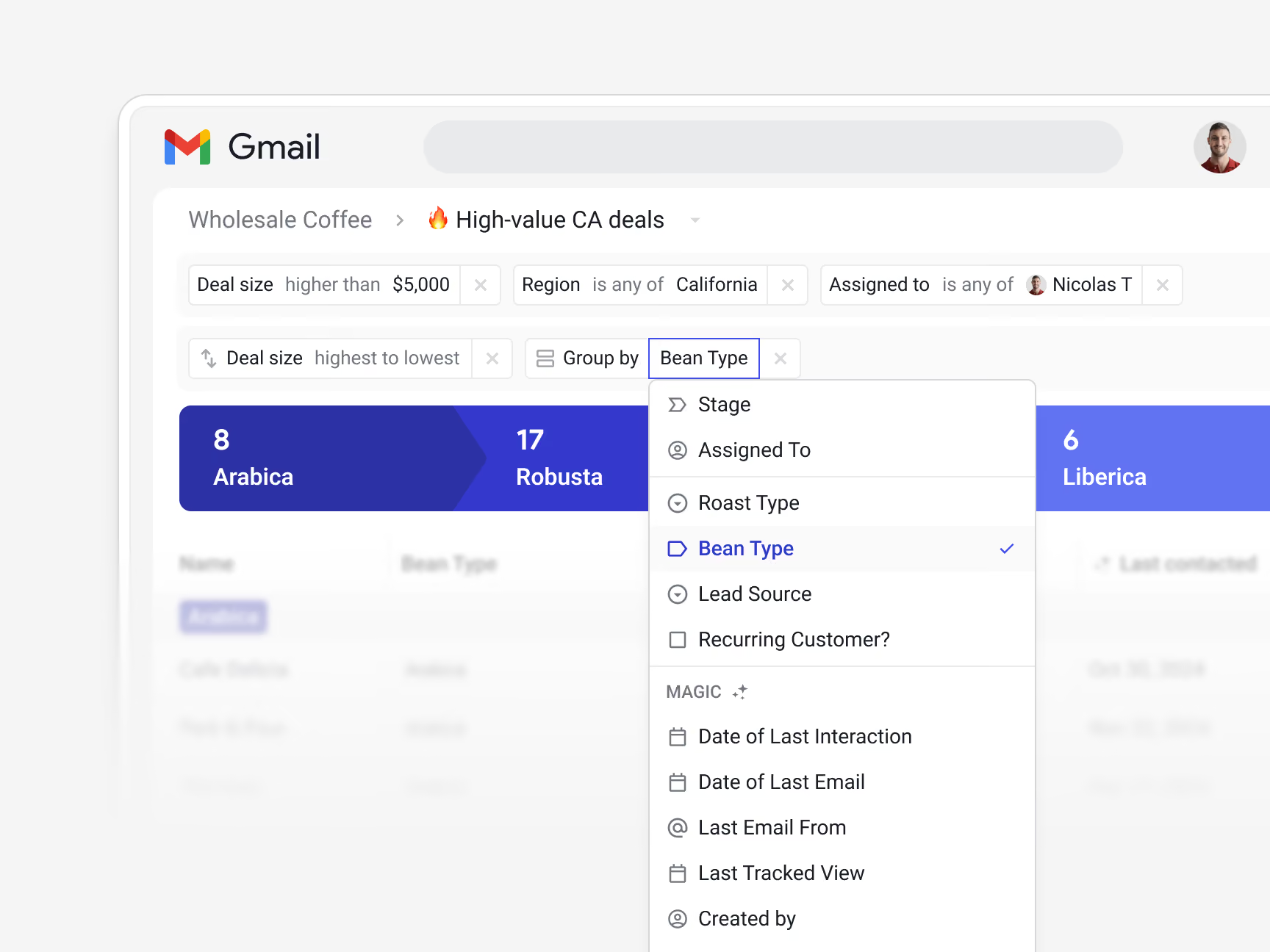
Build your pipeline around the data that matters to your business. Custom fields track what's relevant, magic columns update automatically, and saved views surface the right deals and contacts whenever you need them.
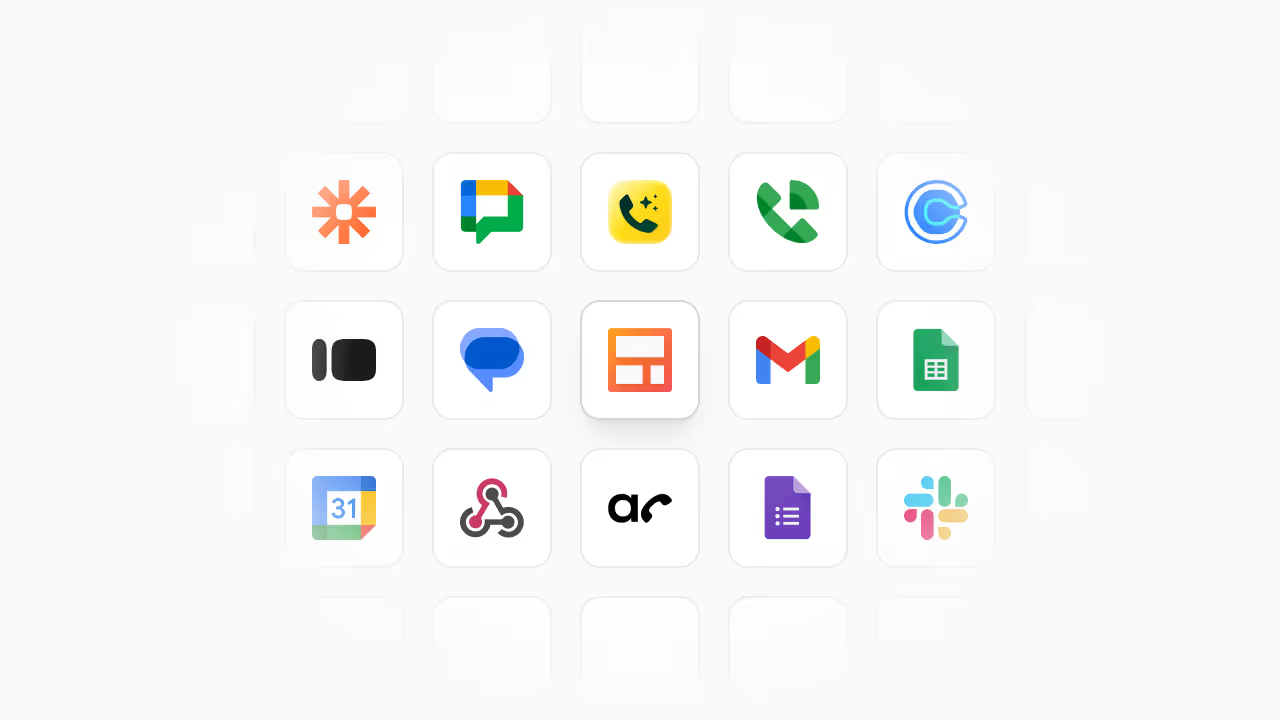
Sync Streak with lead capture forms and the rest of the tools in your stack.
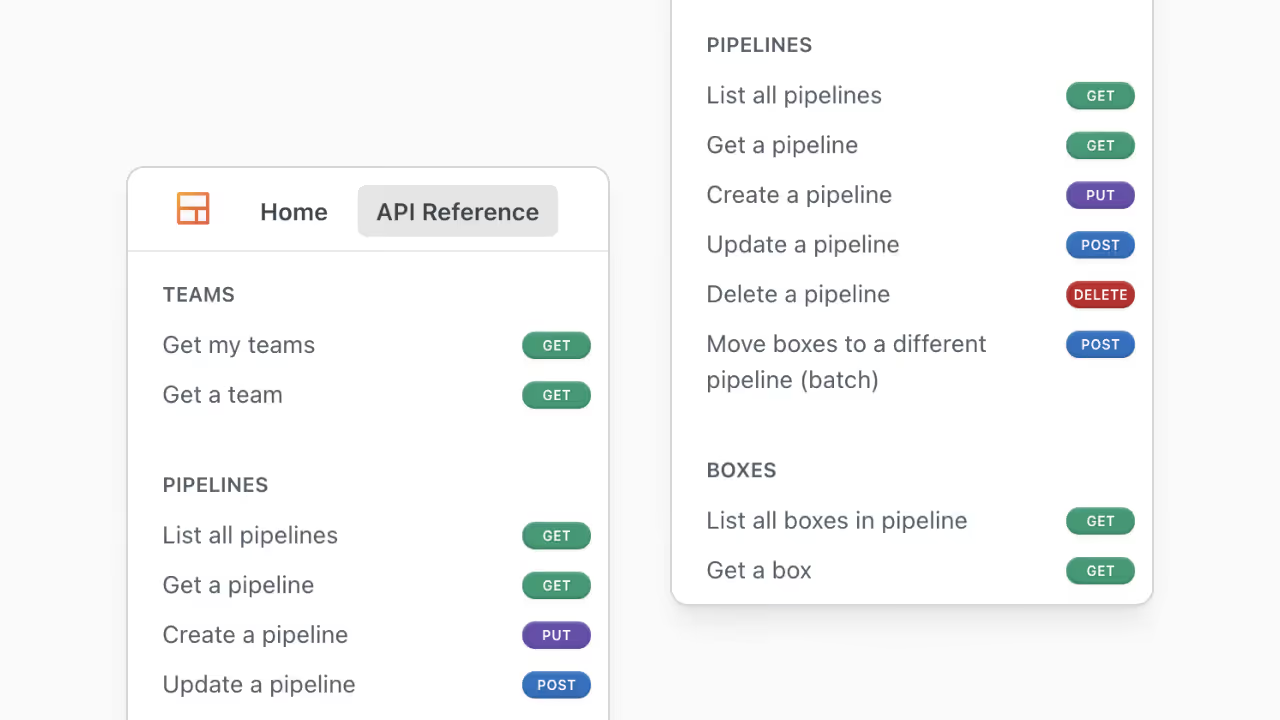

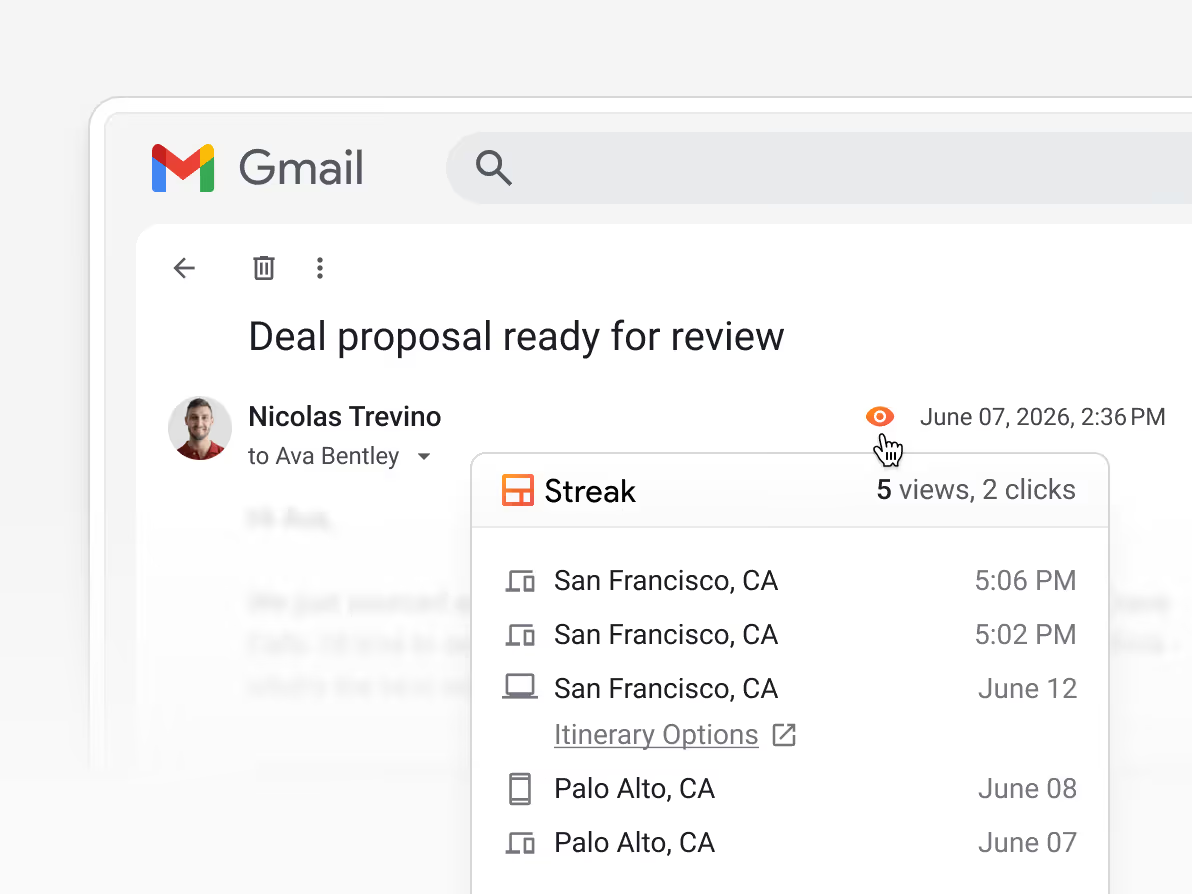
When you're managing a lot at once, follow-up is the first thing that slips. Streak tells you when someone opens your email, automates outreach sequences, and surfaces the relationships that have gone quiet.
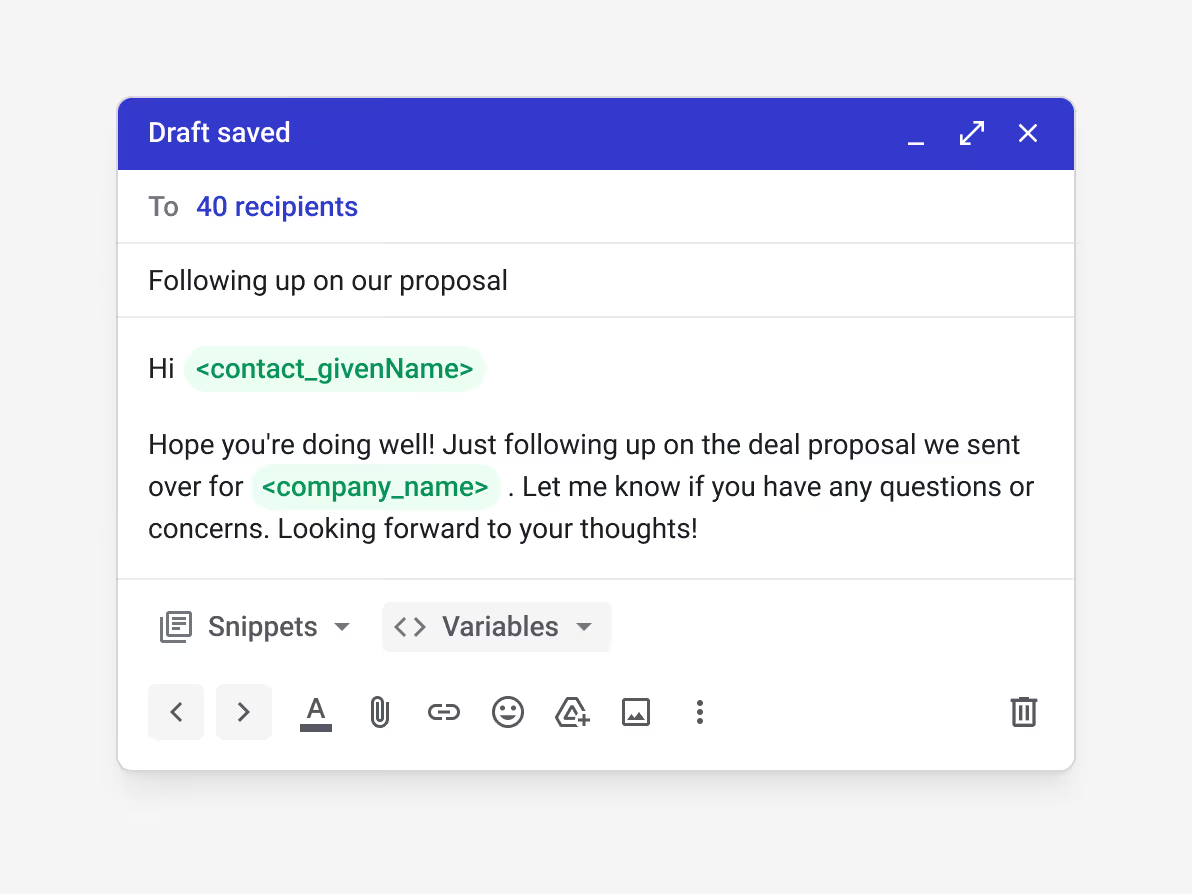
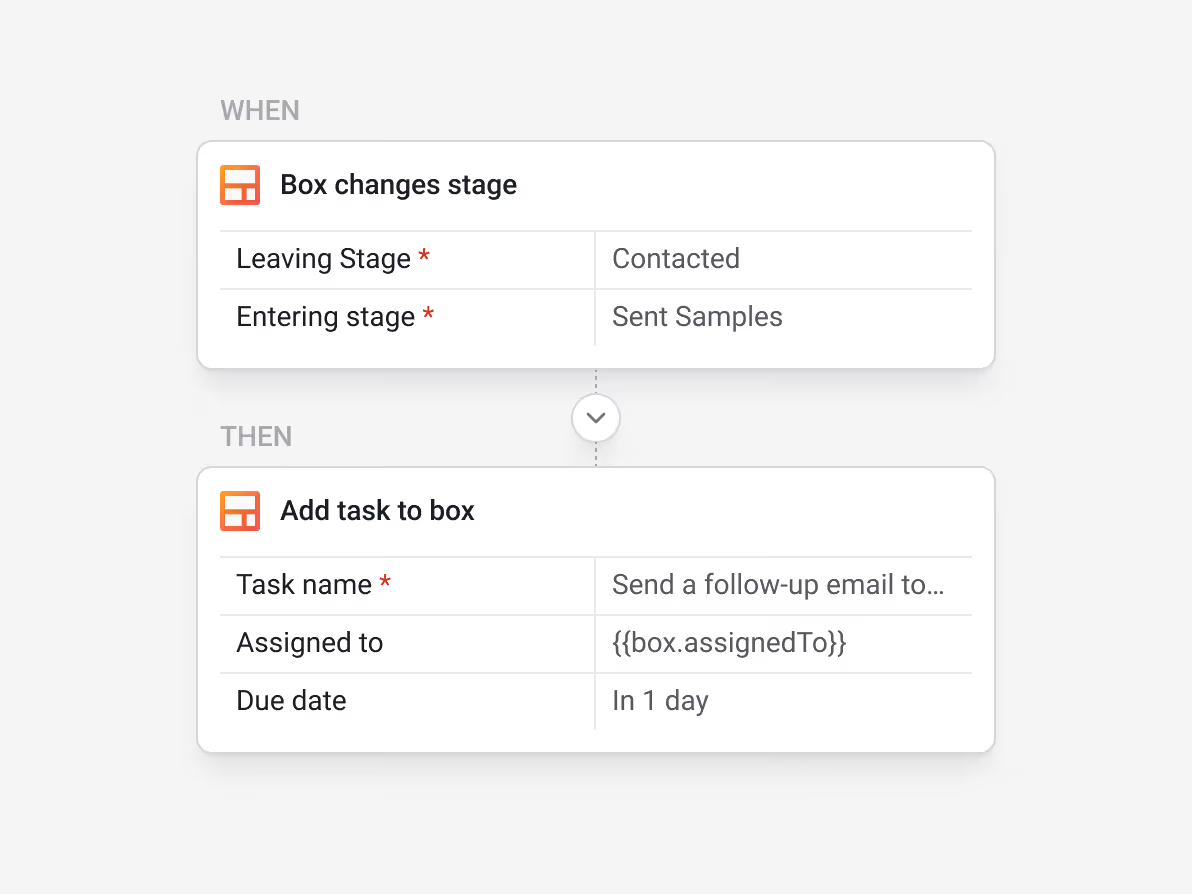
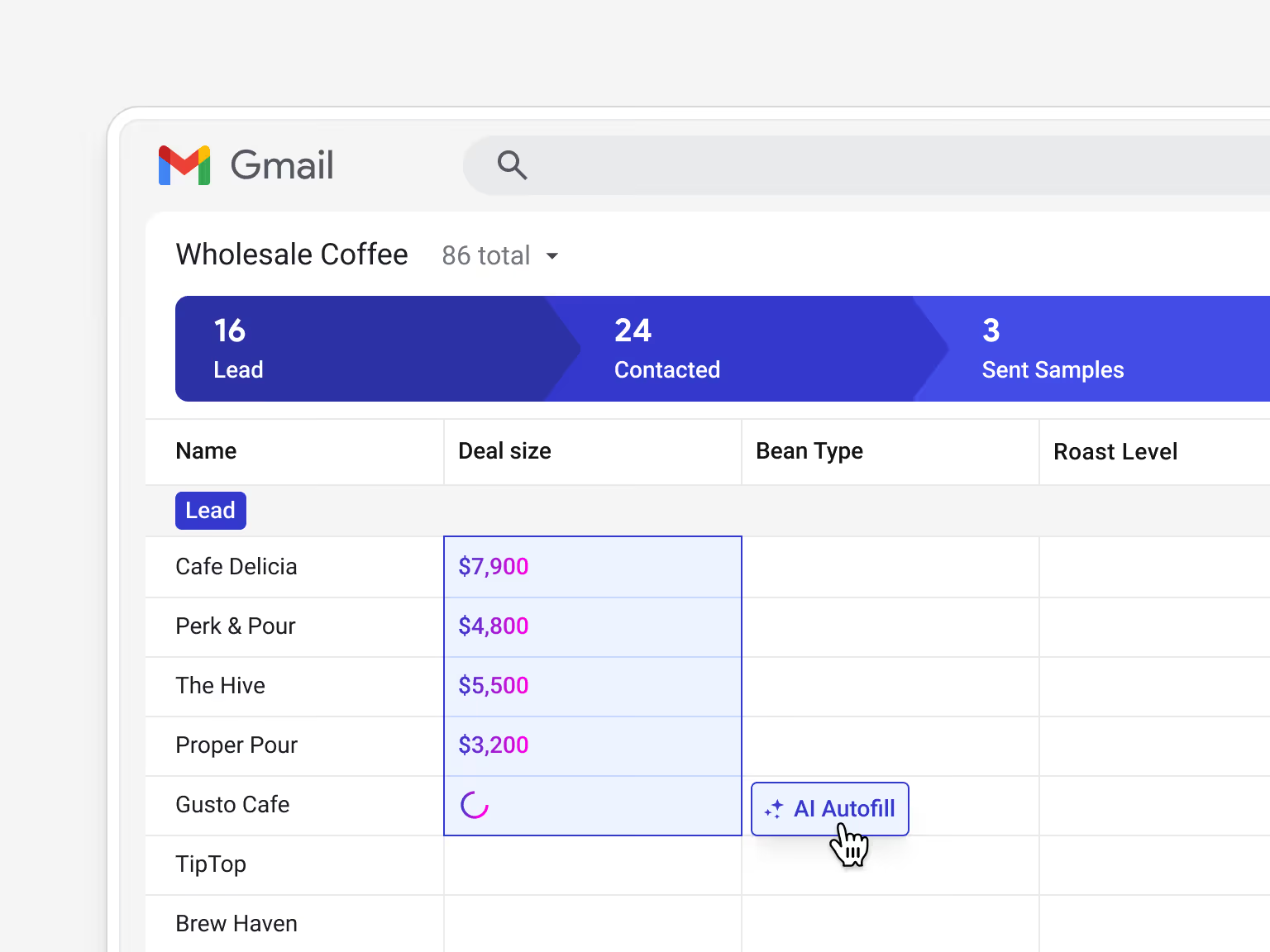
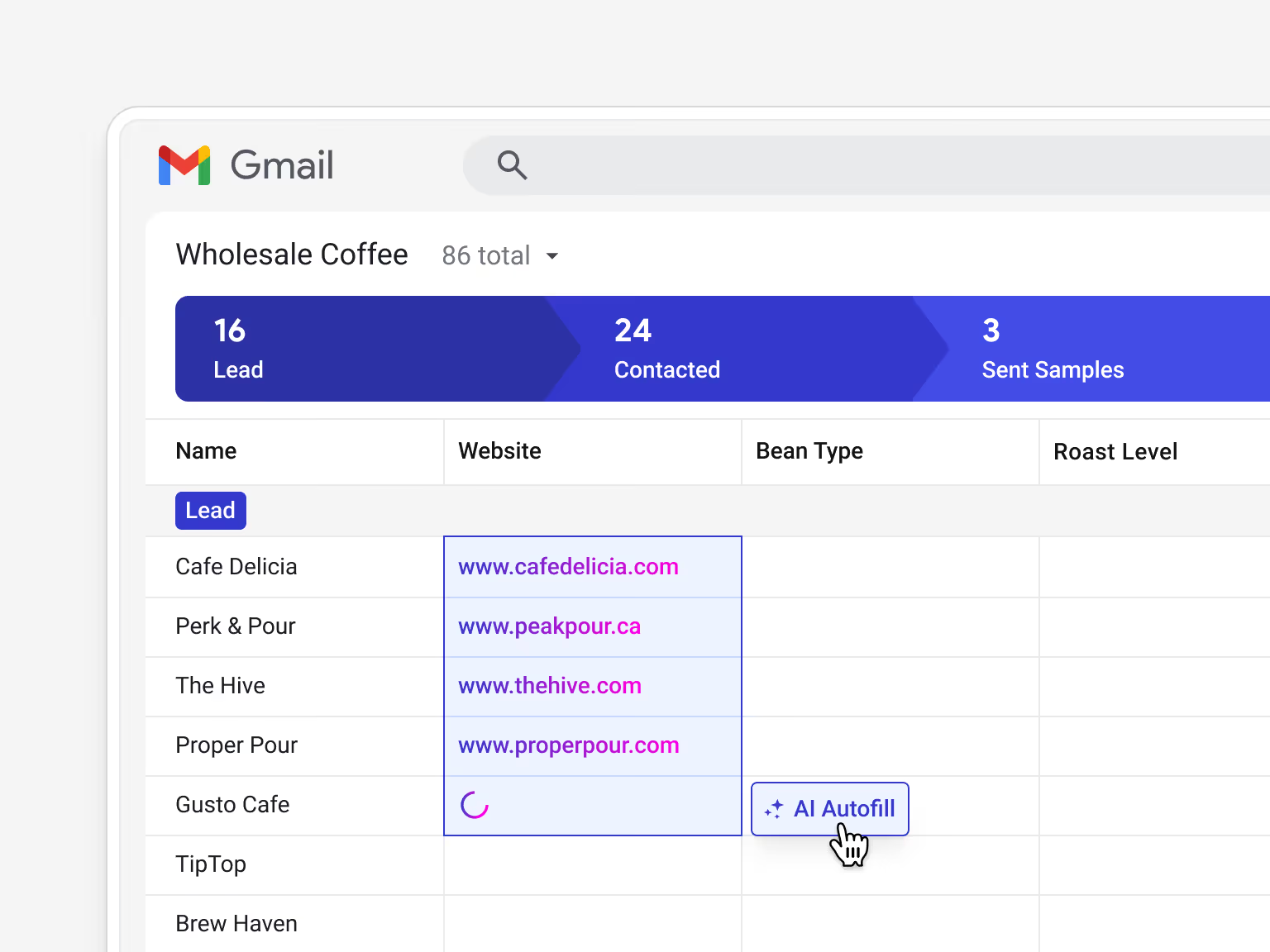
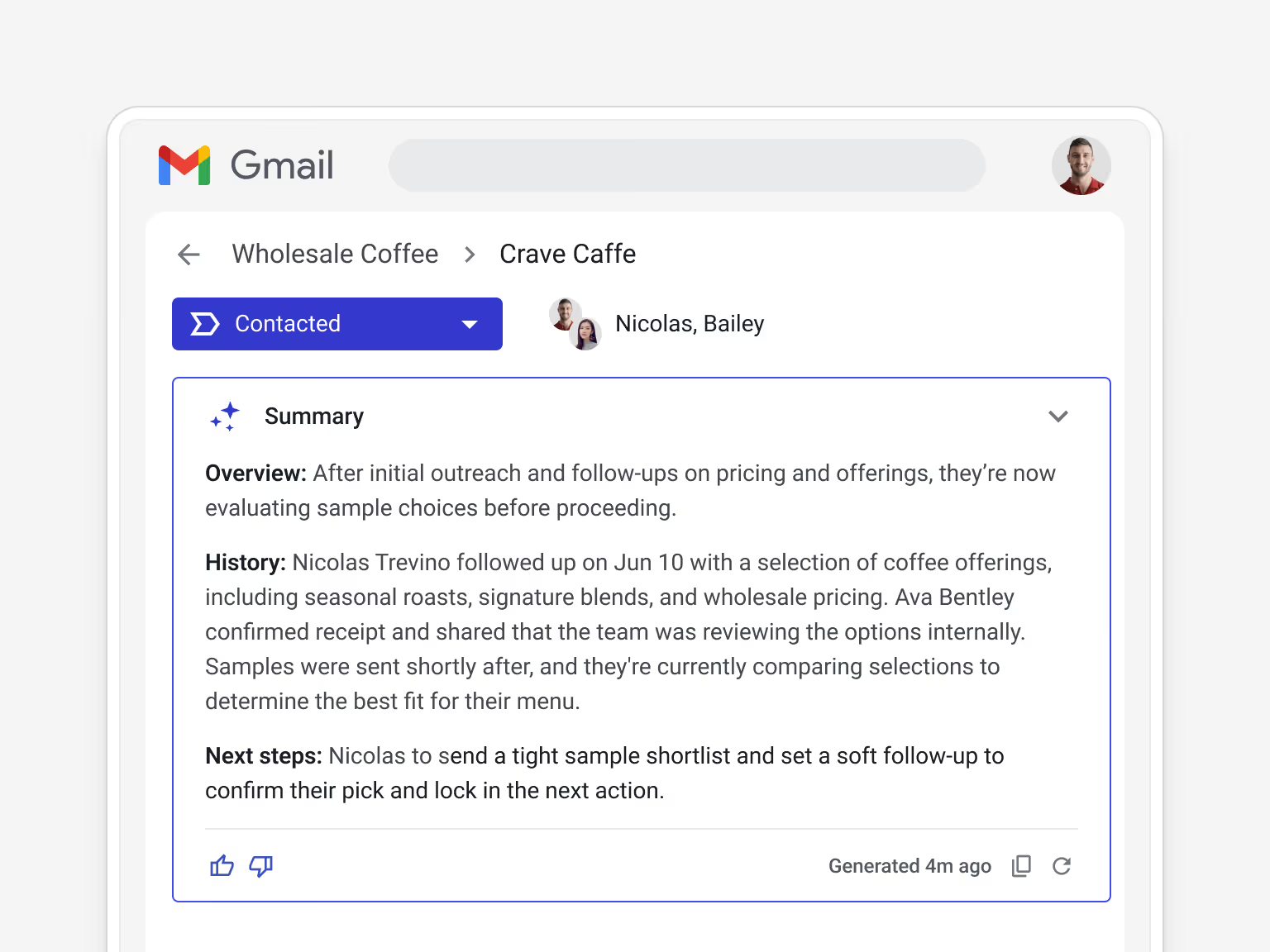
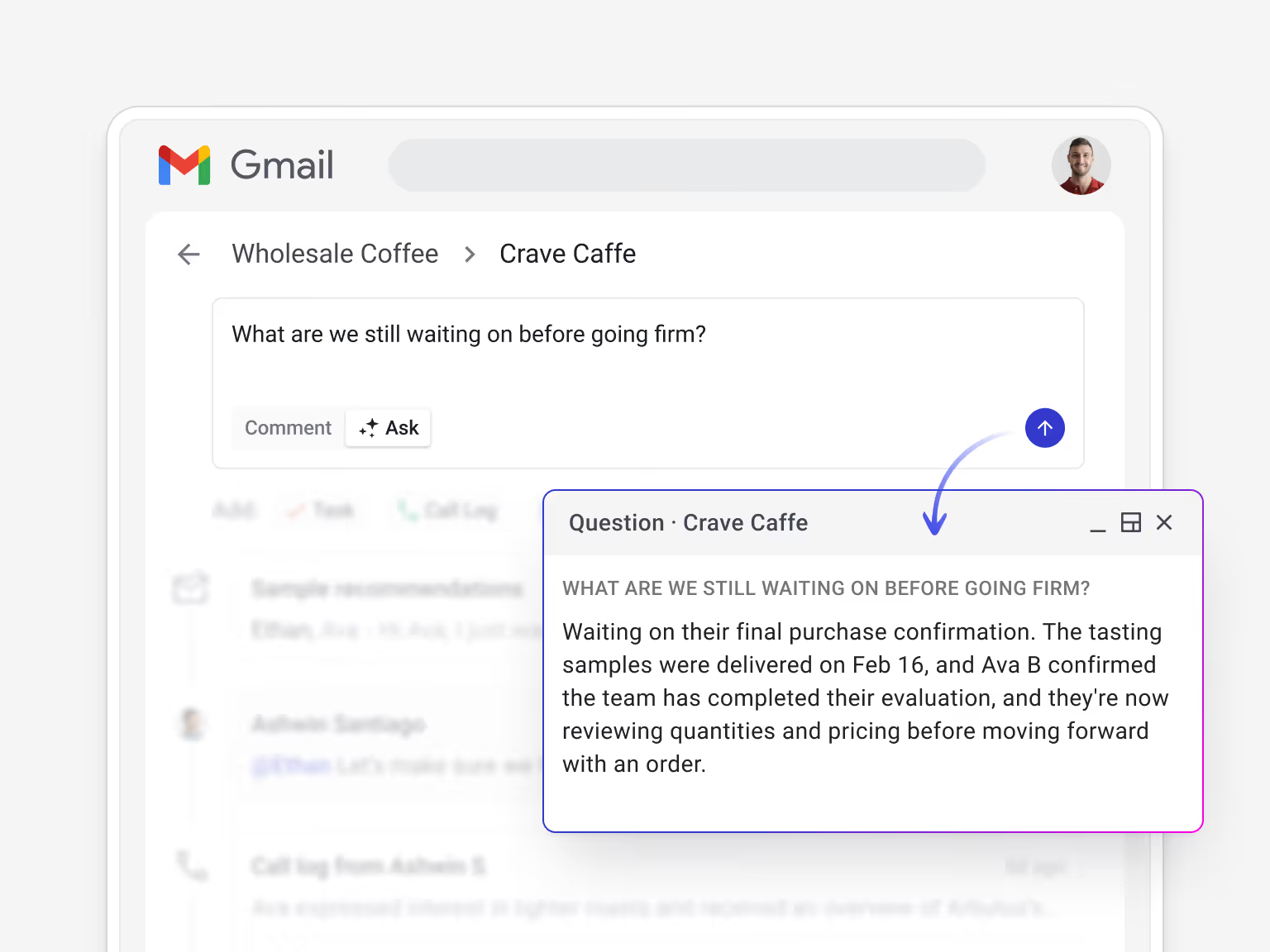
Research, data entry, and catching up on deals take time that small teams don't have. Streak's AI handles the repetitive work automatically.
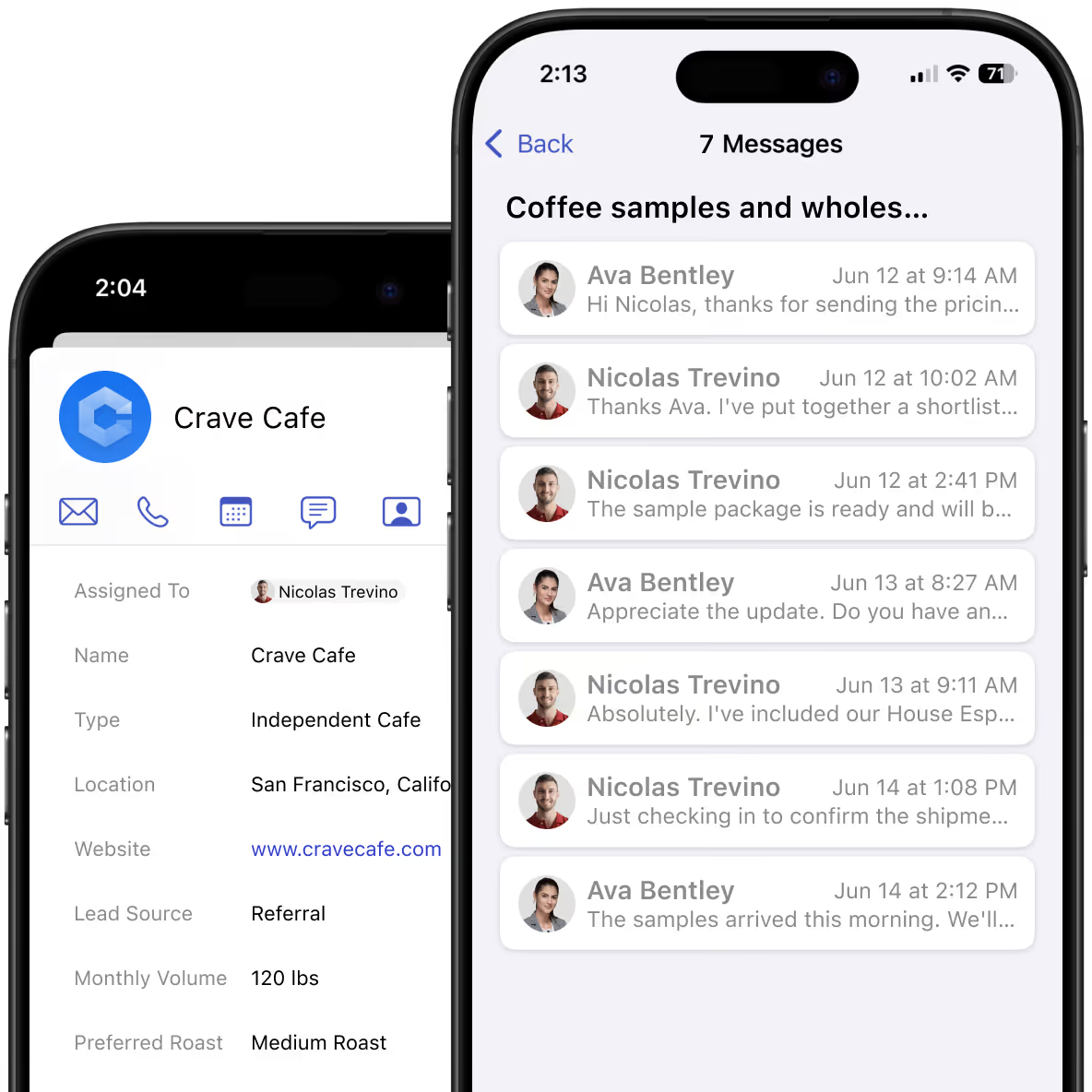
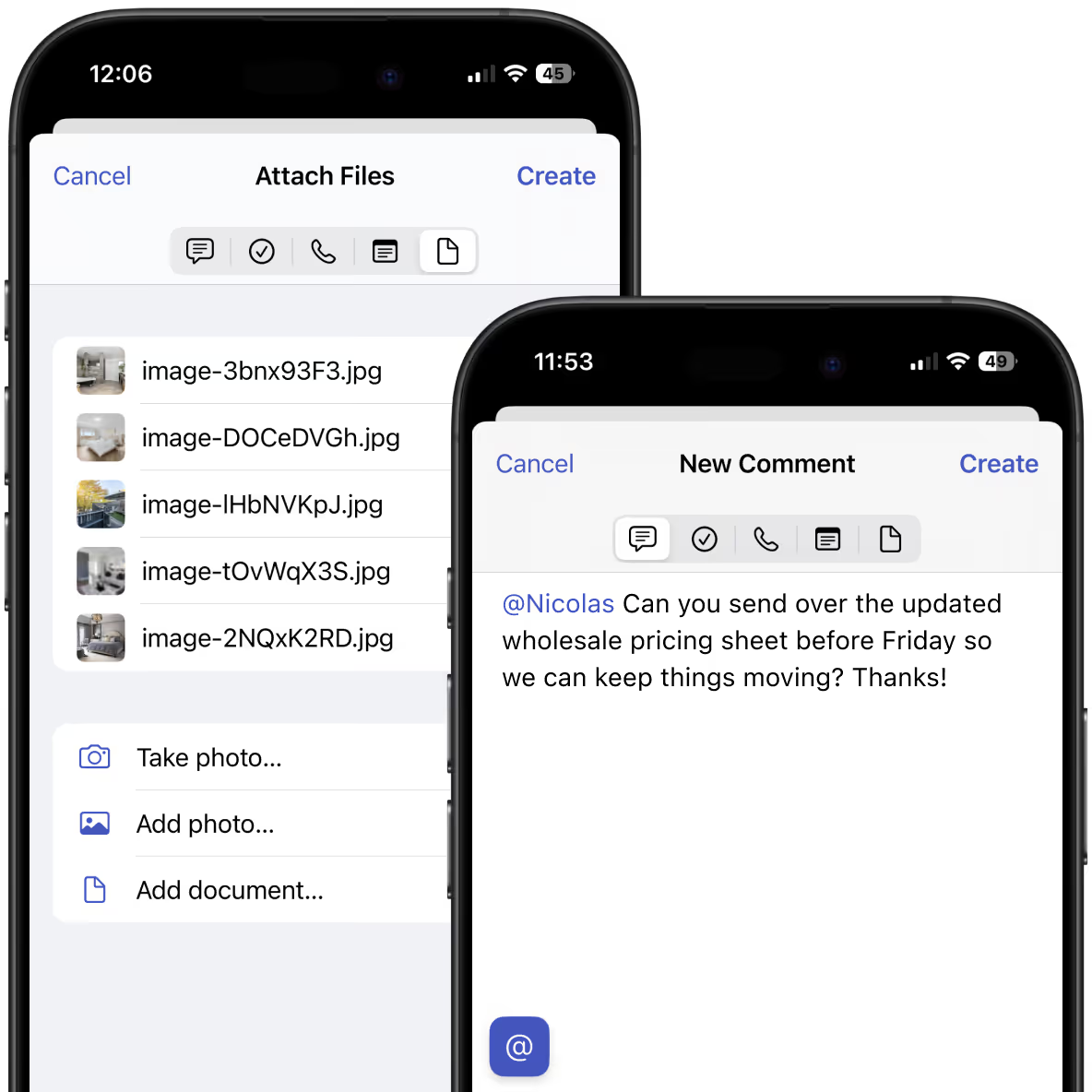
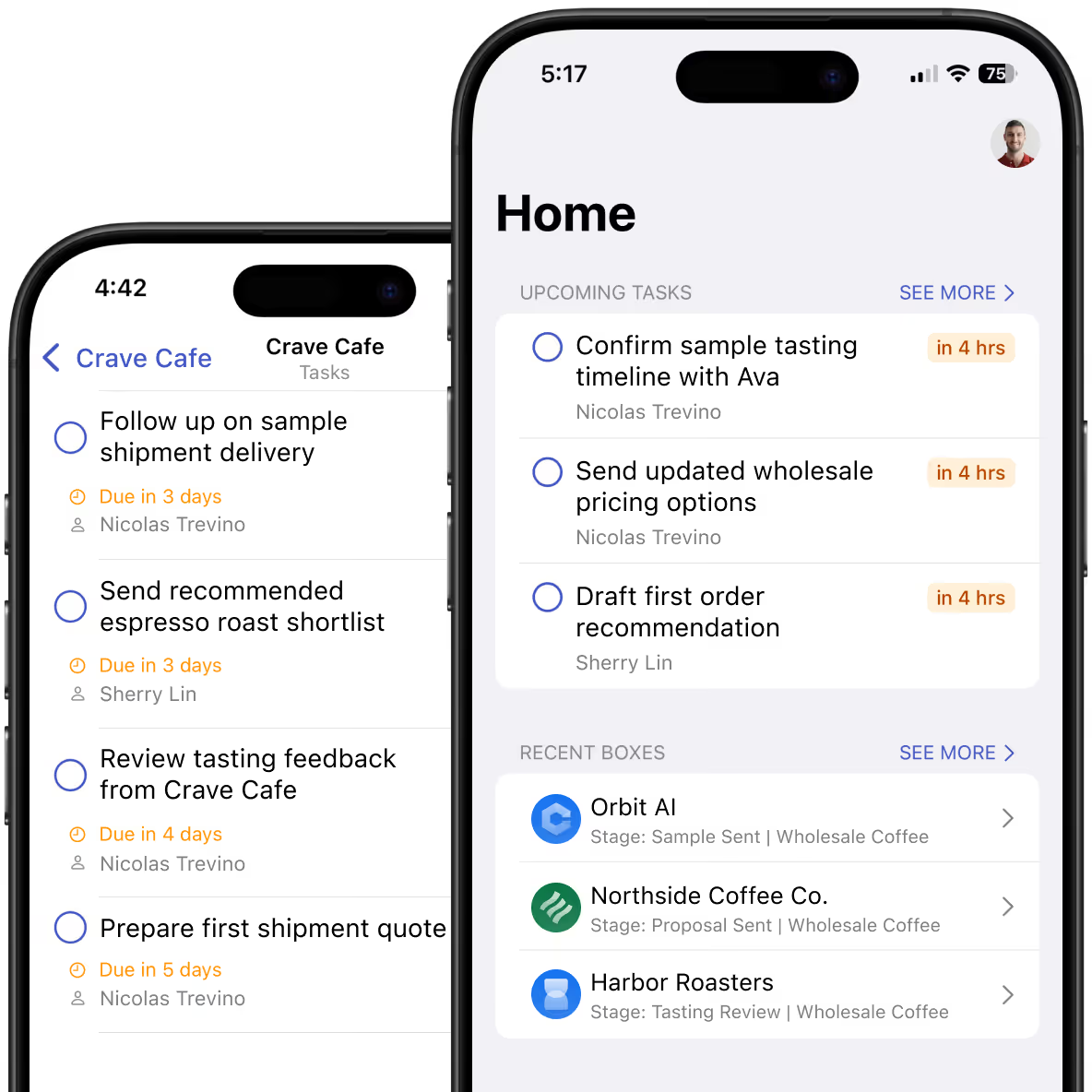
Small business owners don't work from one place — or one schedule. Streak's mobile app keeps your full pipeline and deal history with you so you can act when it matters, not just when you're back at your desk.



If your team runs on Gmail or Google Workspace, Streak is the most practical option because it's built directly inside Gmail — not integrated with it. There's no separate platform to log into, no manual email syncing, and no behavior change required from your team. Other common options — HubSpot, Pipedrive, Zoho — are capable tools, but they all require switching between tabs or applications. For teams that live in Gmail, that friction compounds over time.
HubSpot is powerful but gets expensive quickly once you need automation, email sequences, or deeper reporting — features that are locked behind paid tiers. Pipedrive is clean and focused on sales, but it lives outside your inbox, which means your team has to remember to use it. Streak is different in a very specific way: it works inside Gmail. Your CRM records are visible in the same window as your email threads. There's nothing extra to open, nothing to sync, and no separate platform for your team to adopt.
Yes. Any business process can have its own pipeline — client projects, order fulfillment, vendor relationships, hiring, partnerships. Each pipeline has its own stages, custom fields, and filters. You're not locked into a sales workflow, and you don't need separate tools for different parts of your business.
No. Many Streak users come from spreadsheets or no system at all. Because Streak works inside Gmail, the interface is familiar from day one. The AI Pipeline Creator can build your pipeline structure from a plain-language description in minutes — no configuration expertise required.
Most customers have a working pipeline within an hour, often much quicker. If you use the AI Pipeline Creator, describe your workflow in plain language and Streak builds the pipeline structure — stages, fields, and all — in minutes. There's no IT setup, no data migration required, and no admin or consultant needed. The power is in your hands.
Both. Many Streak users start as solo operators and add teammates as their business grows. You never need to migrate to a different tool or rebuild your setup — you just add users to your workspace.
Streak integrates natively with Google Workspace apps like Calendar, Forms, and Drive as well as other tools like Calendly, Typeform, Allo phone system, and Slack. You can also use Zapier to create custom integrations and automations with 9,000+ apps. We offer an API as well as an MCP Server for connecting Streak to other tools and LLMs.
Streak scans your existing inbox, so your past email threads are available to add to records immediately — no import required. Contacts can be automatically enriched with company, title, phone, and social profiles when they're created.
Try Streak free — installs into Gmail in seconds.